Activity and receipts
Every movement of your money in one list, each row opening the same receipt slip, which you can share as an image or check on ArcScan, with the reason behind it one tap away.
Activity (the pulse icon in the dock) is one list of everything that moved: sends and receipts, swaps with both legs, bridges, savings, positions, automation runs, requests paid, the faucet and practice runs. It reads like a wallet: money in is +20 USDC, money out is −5 USDC.
The list
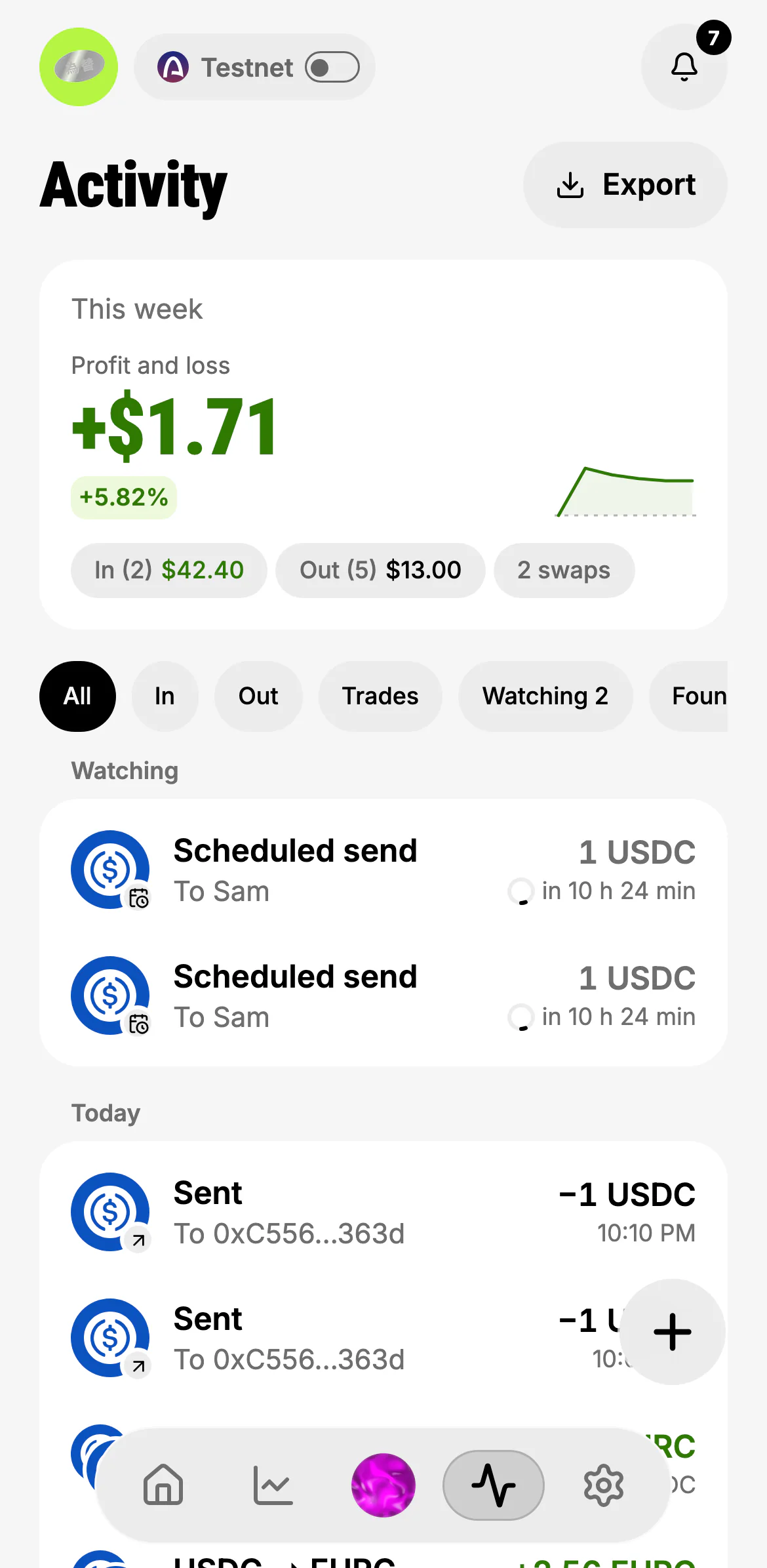
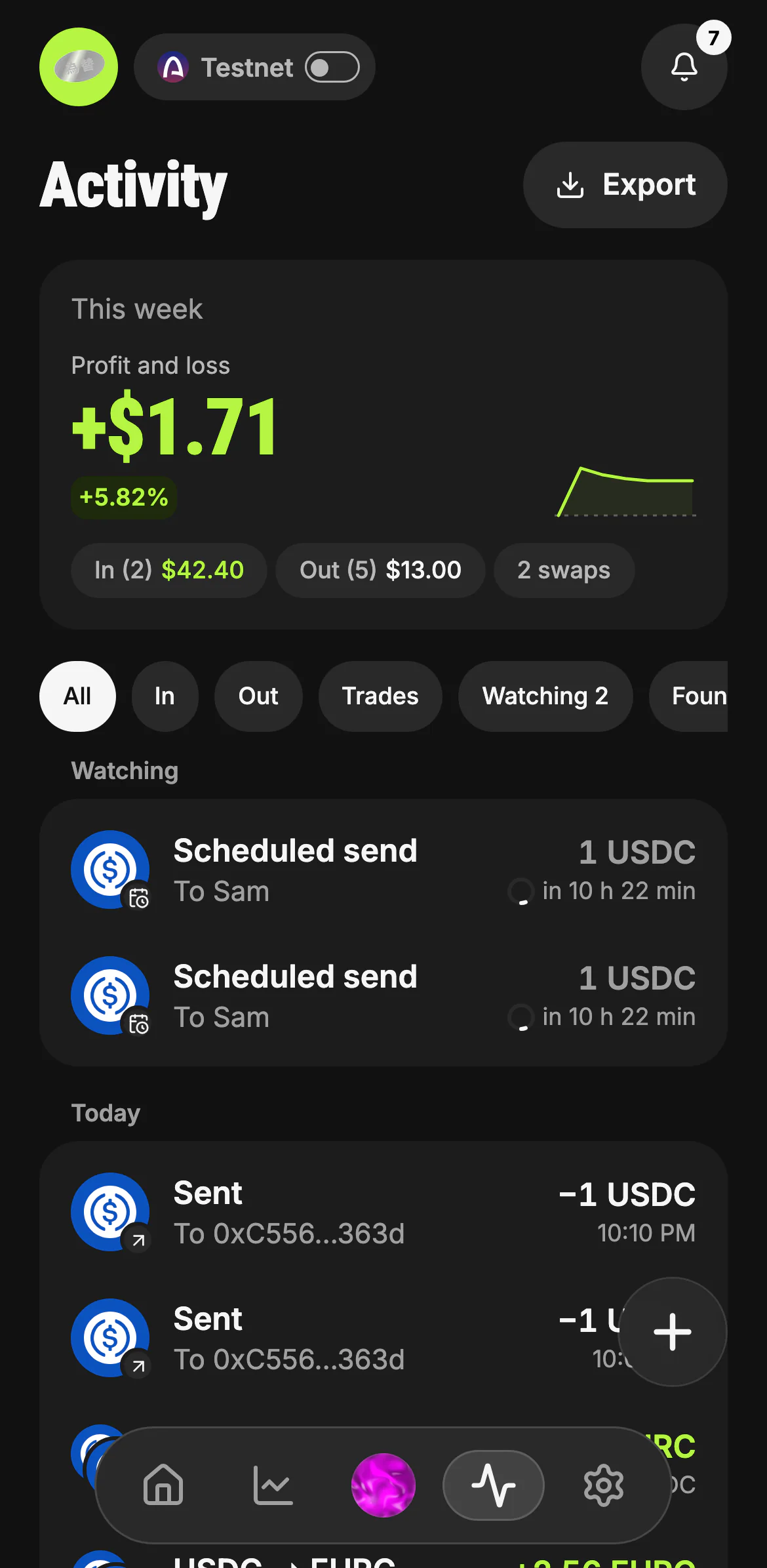
- This week: profit and loss, money in and money out
- All · In · Out · Trades · Watching · Found
- Watching: what runs next, with a countdown
- Each movement: what, with whom, the signed amount, the time
- Export your history
Each row says where it stands: done, moving, held for you, skipped and why, or practice. Watching lists what runs next (a scheduled send, with a ring counting down to it); Held is something that waits for you; Found is what Kawase noticed for you, such as money sitting idle.
The receipt slip
Tap any row. Every transaction opens the same slip: a send, a receive, a swap ("You swapped … via KyberSwap") or a bridge. On a computer the slip opens in a drawer on the right (see web and desktop).
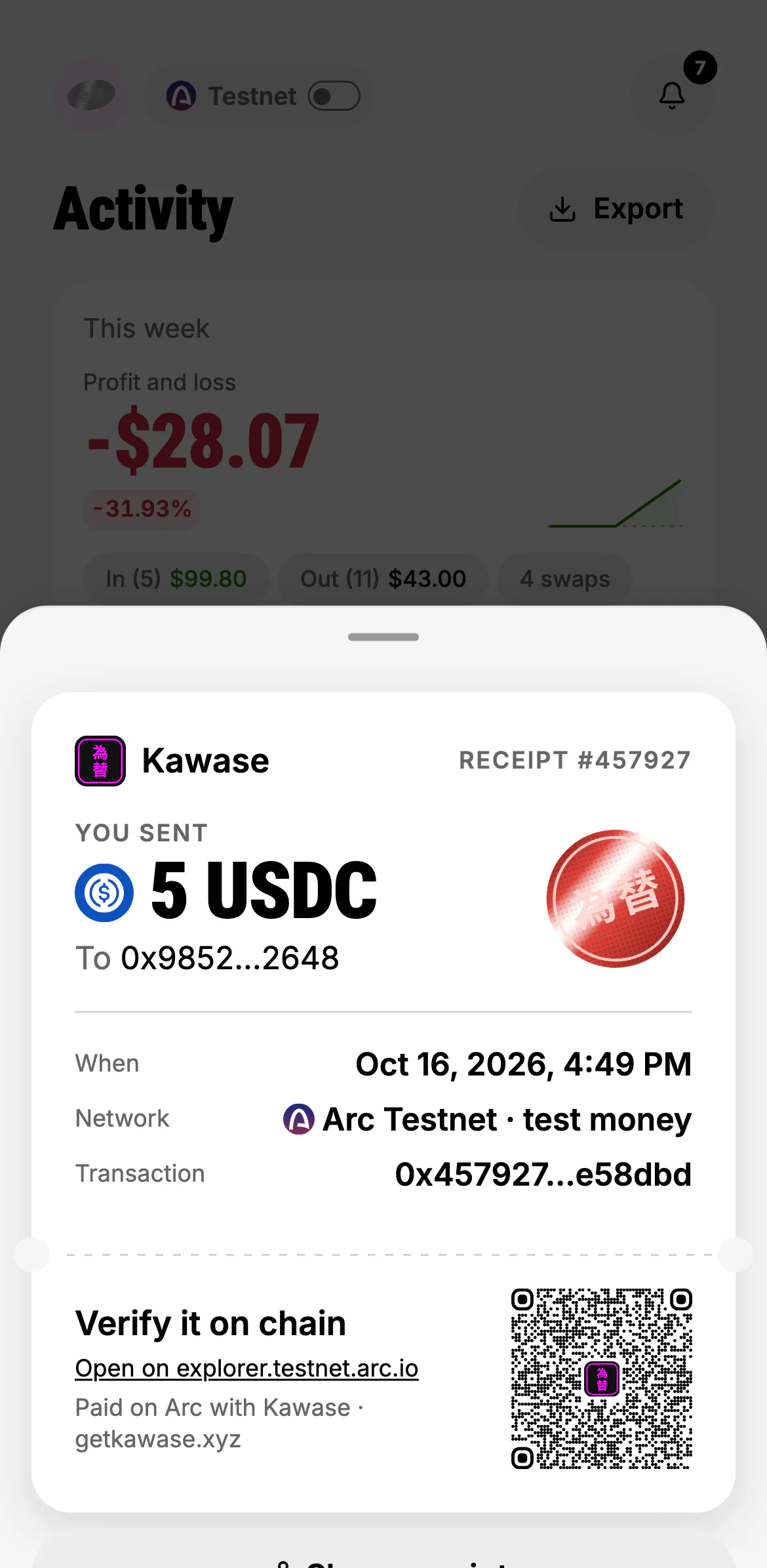
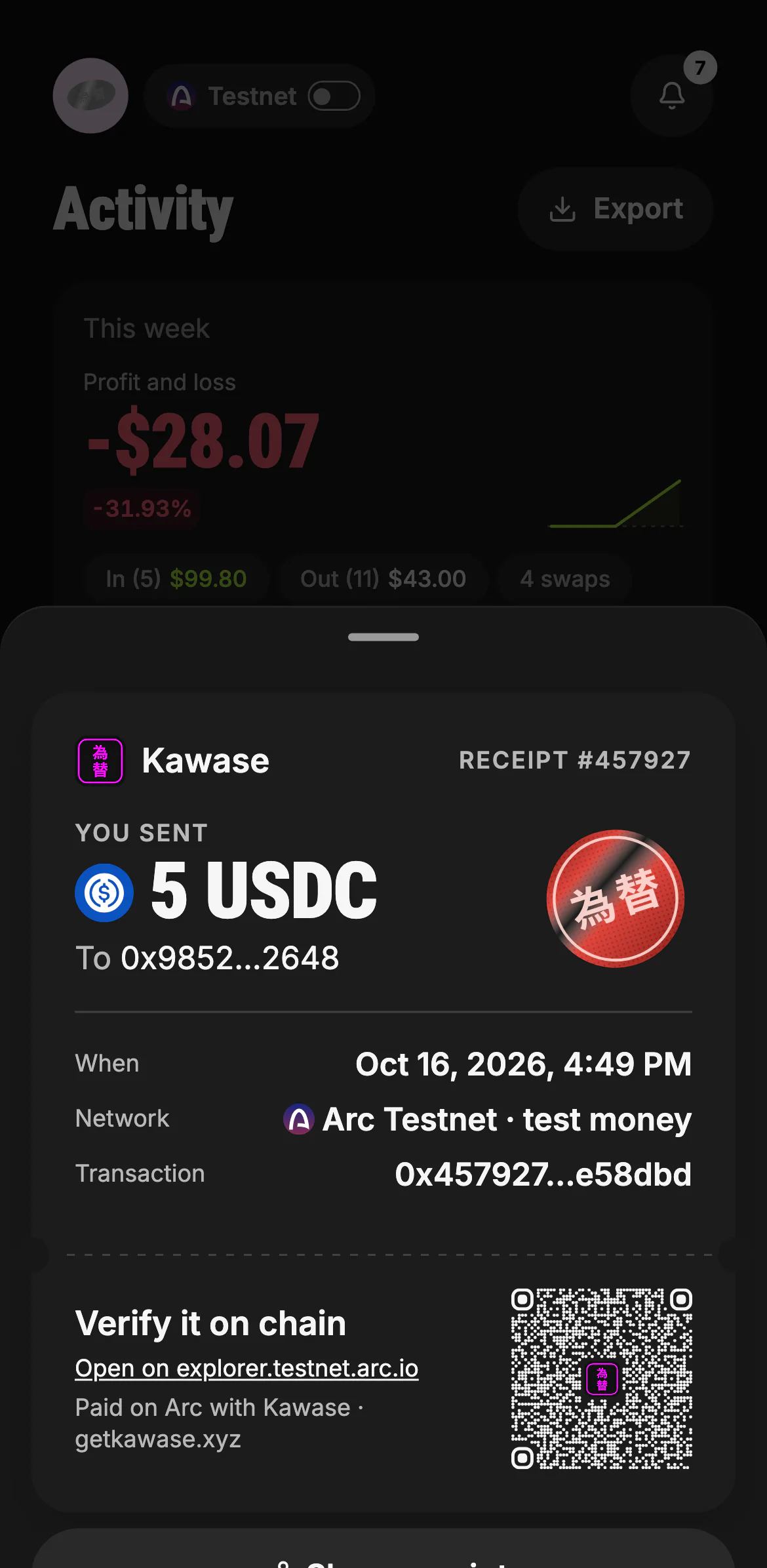
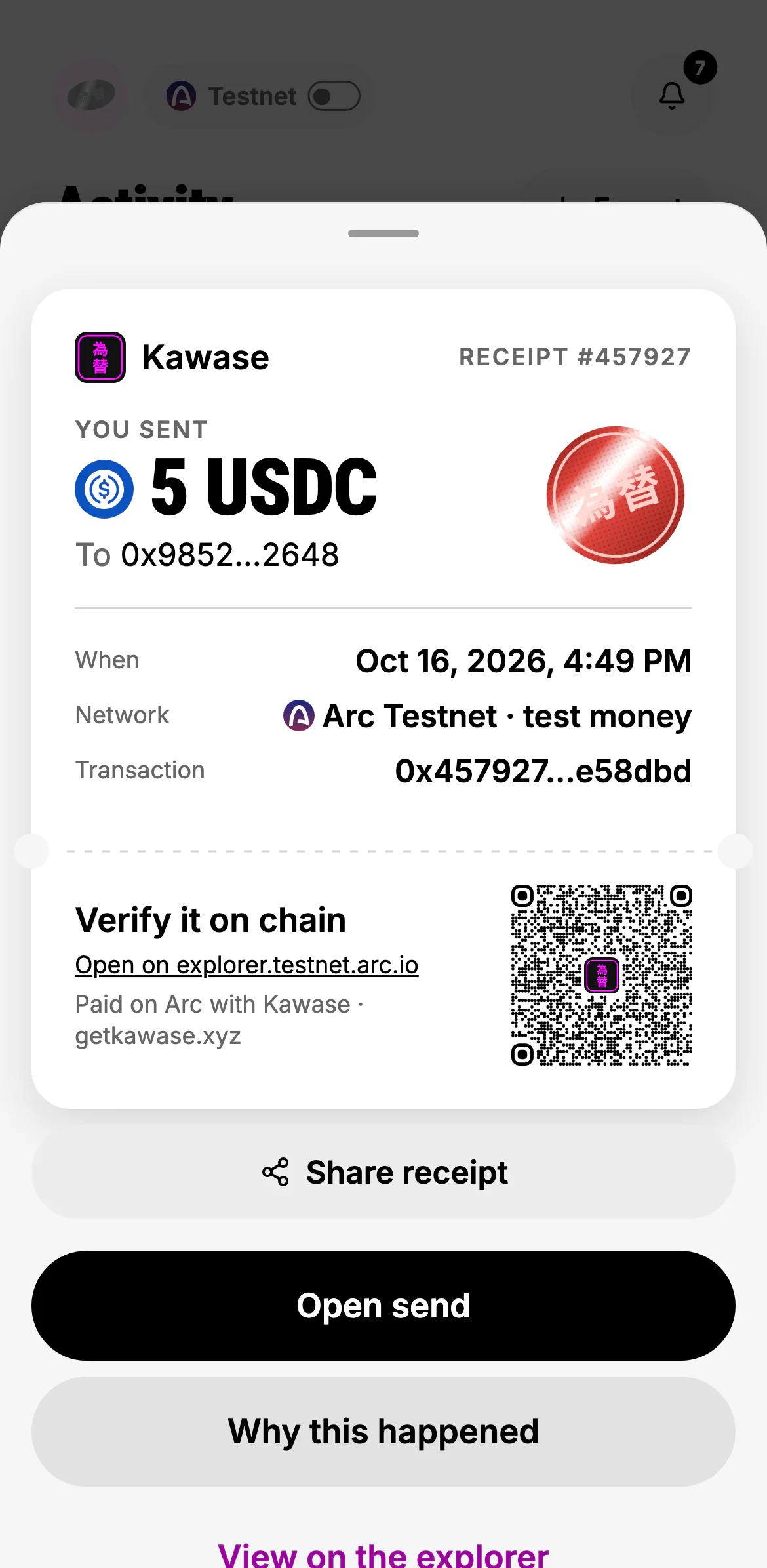
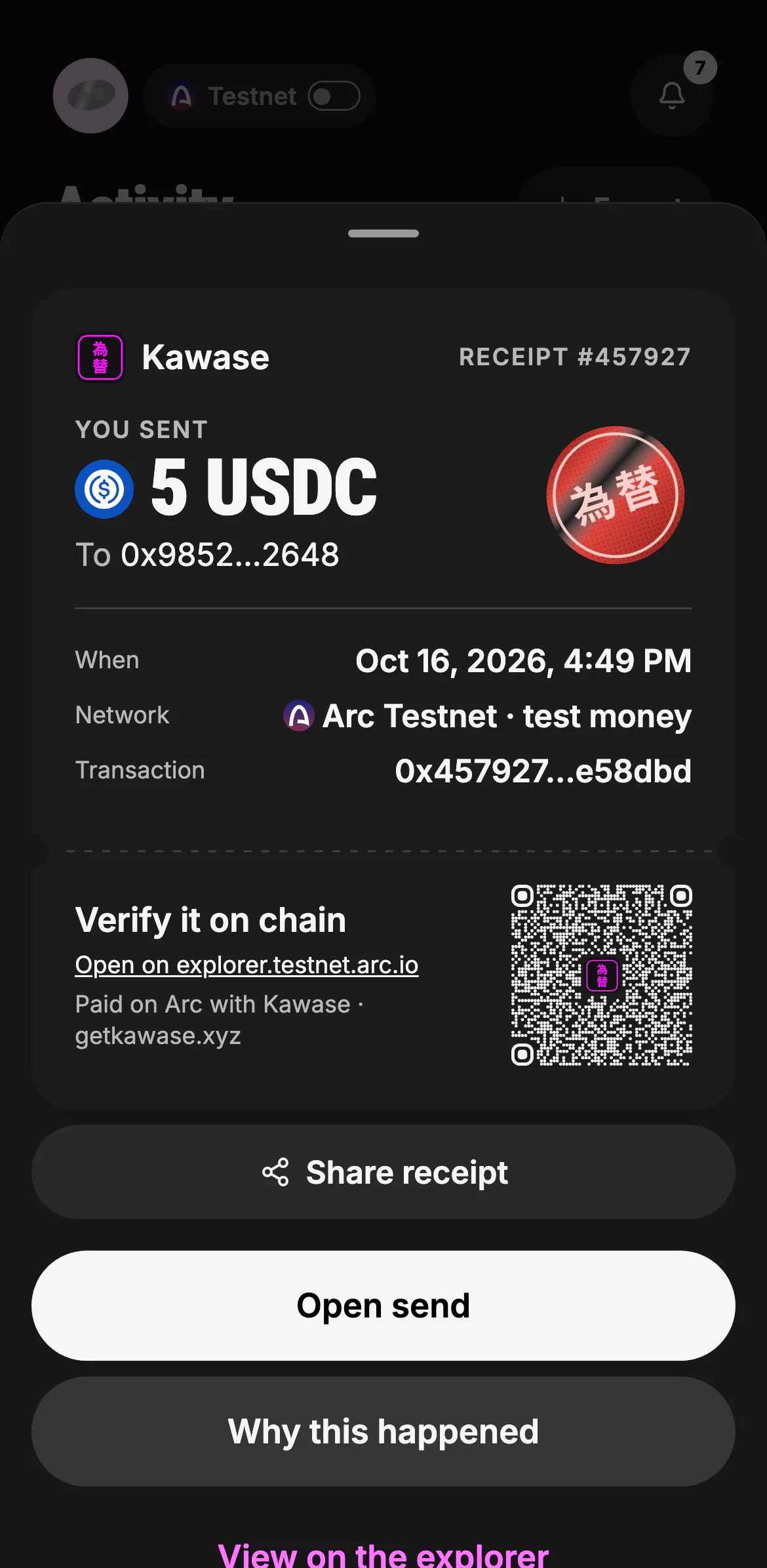
The brand and the receipt's number, what moved and with whom, with Kawase's hanko pressed beside the amount.
- The receipt's number
- You sent or you received, the amount and its token
- When, which network, and the transaction
Under the perforation, the stub's QR code opens the transaction on ArcScan (explorer.testnet.arc.io on testnet). Anyone can scan it from your screen or from the shared image.
- The explorer link
Share receipt makes the slip an image in your theme (text with the explorer link where images can't be shared). Open send goes back to the screen it came from. Why this happened shows the decision behind it.
- Share the slip as an image
- Back to the screen it came from
- Why this happened
Why this happened
Why is the decision record behind a movement: the request it came from (your words, an automation, a rule), what was checked, which rule let it go at once or made it wait, and how you answered. For a run that never reached the chain, it says what stopped it.
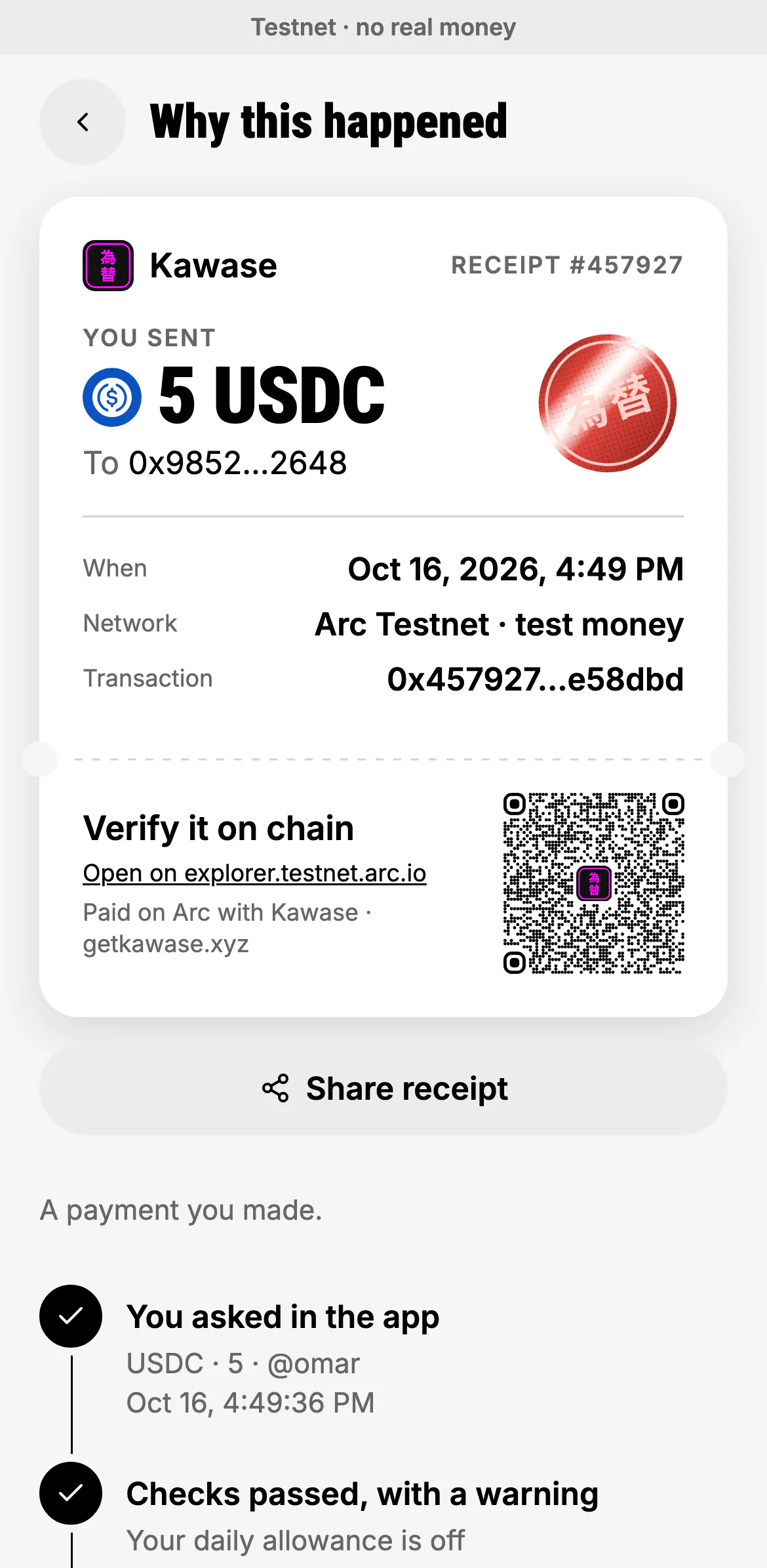
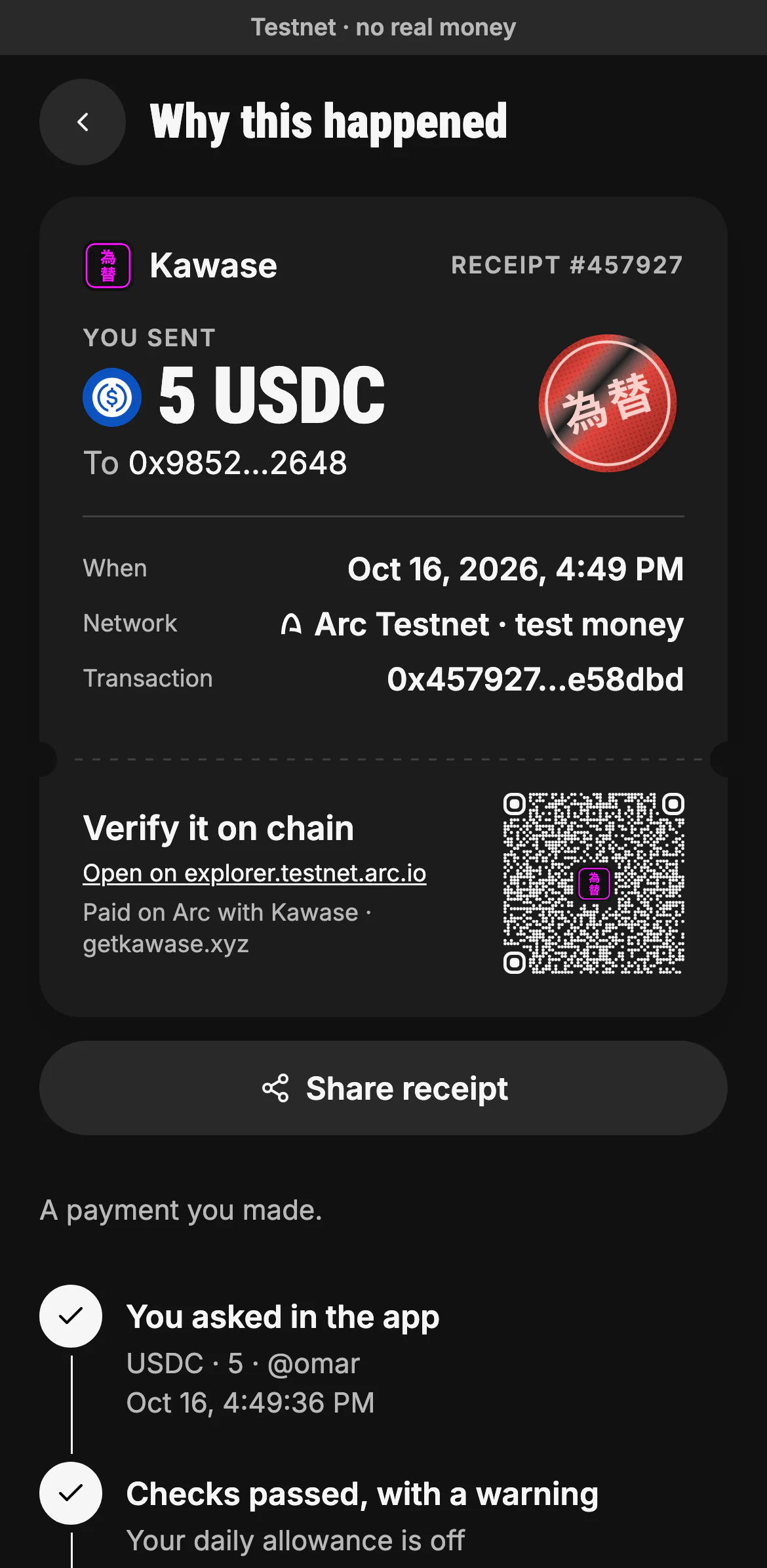
- What kind of movement it was
- The request it came from, word for word
- What was checked, and what it warned about
Money that came in
A receipt for money you received says From and offers Save sender, which saves the address from the payment as a contact, so the next payment back goes to exactly that address. See contacts.
The inbox and the weekly report
The bell on Home is the inbox: every payment received, request paid, payment completed and automation skipped lands there and opens the right receipt (notifications). From Activity you can also read this week's report and export your history.