Send, receive and request
Pay anyone by @handle, contact, address or QR code in any token you hold on Arc; receive at one address and its QR code; ask for money with a link.
Send, step by step
Open Send from +, or just say it ("send 5 dollars to @ines", "pay Sam 5 euros"). You can send any token you hold on Arc.
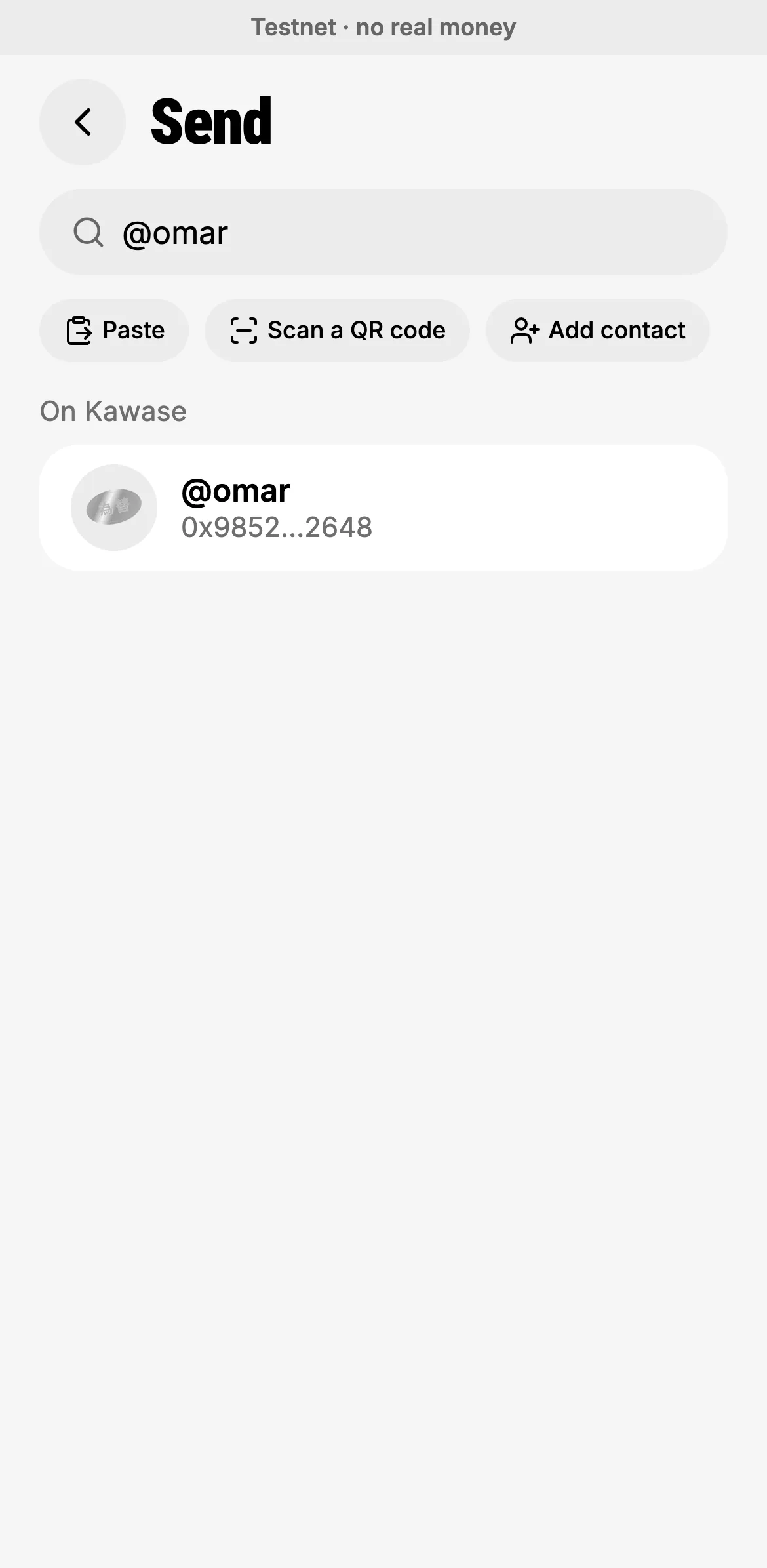
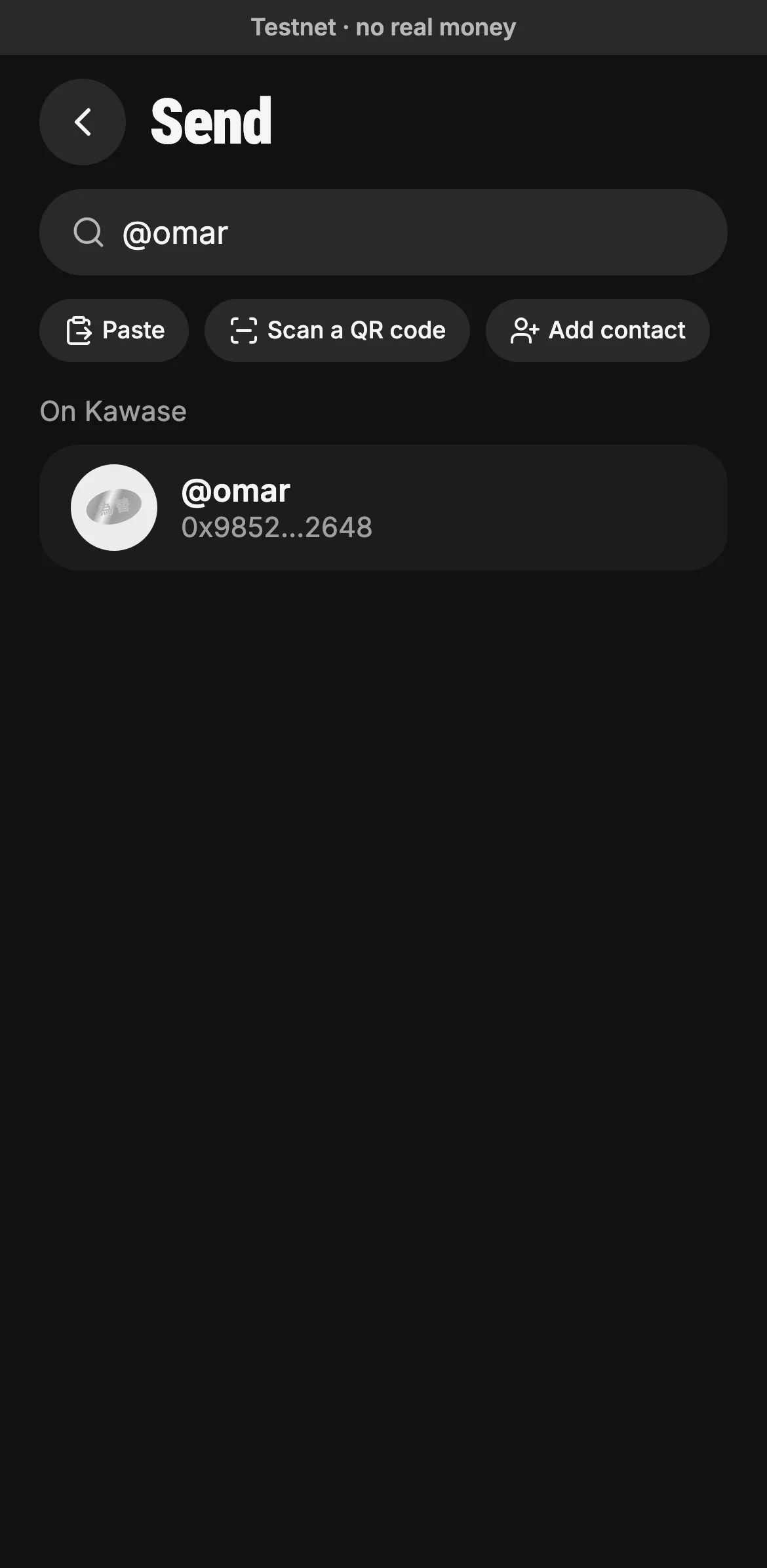
Type an
@handleor a name, paste an address, or scan a QR code. People on Kawase show up by their handle.- An @handle, a name or an 0x address
- Paste, scan a QR code or save a contact
- Found on Kawase by their handle
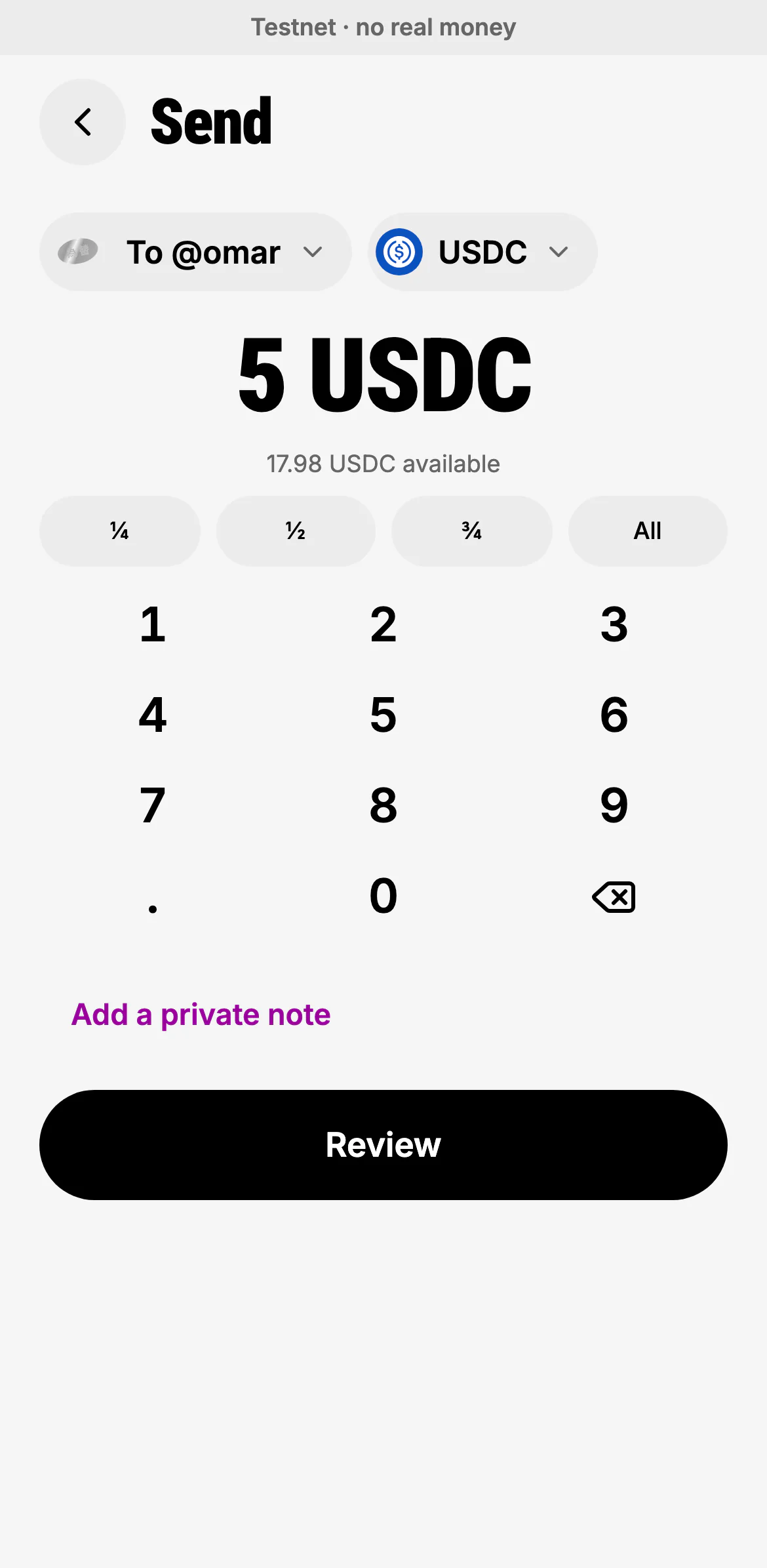
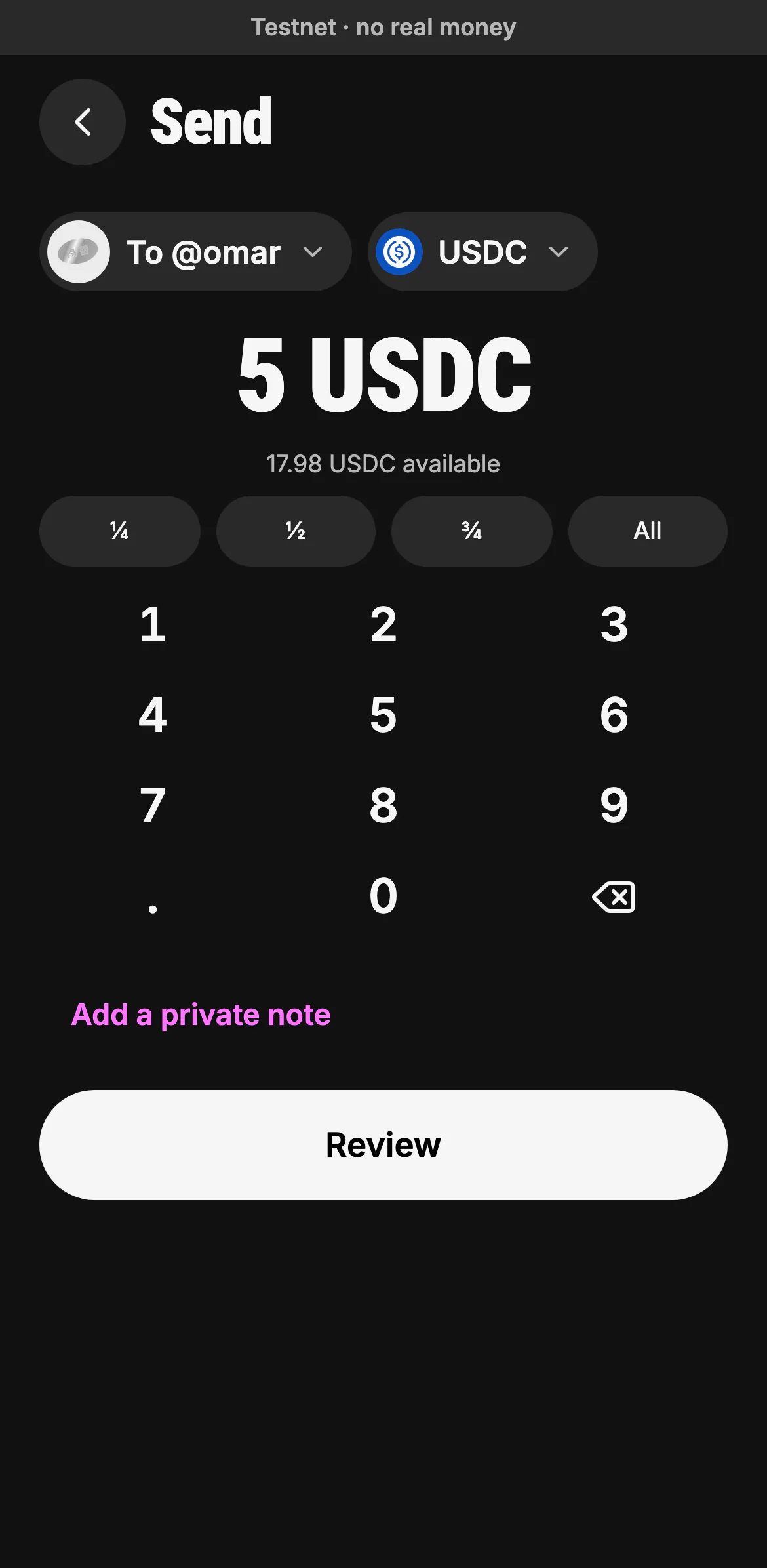
Type the amount or take a share of what you hold. Tap the token to pay in another one.
- Who you're paying
- A quarter, half, three quarters or all of it
- A private note, never written on the chain
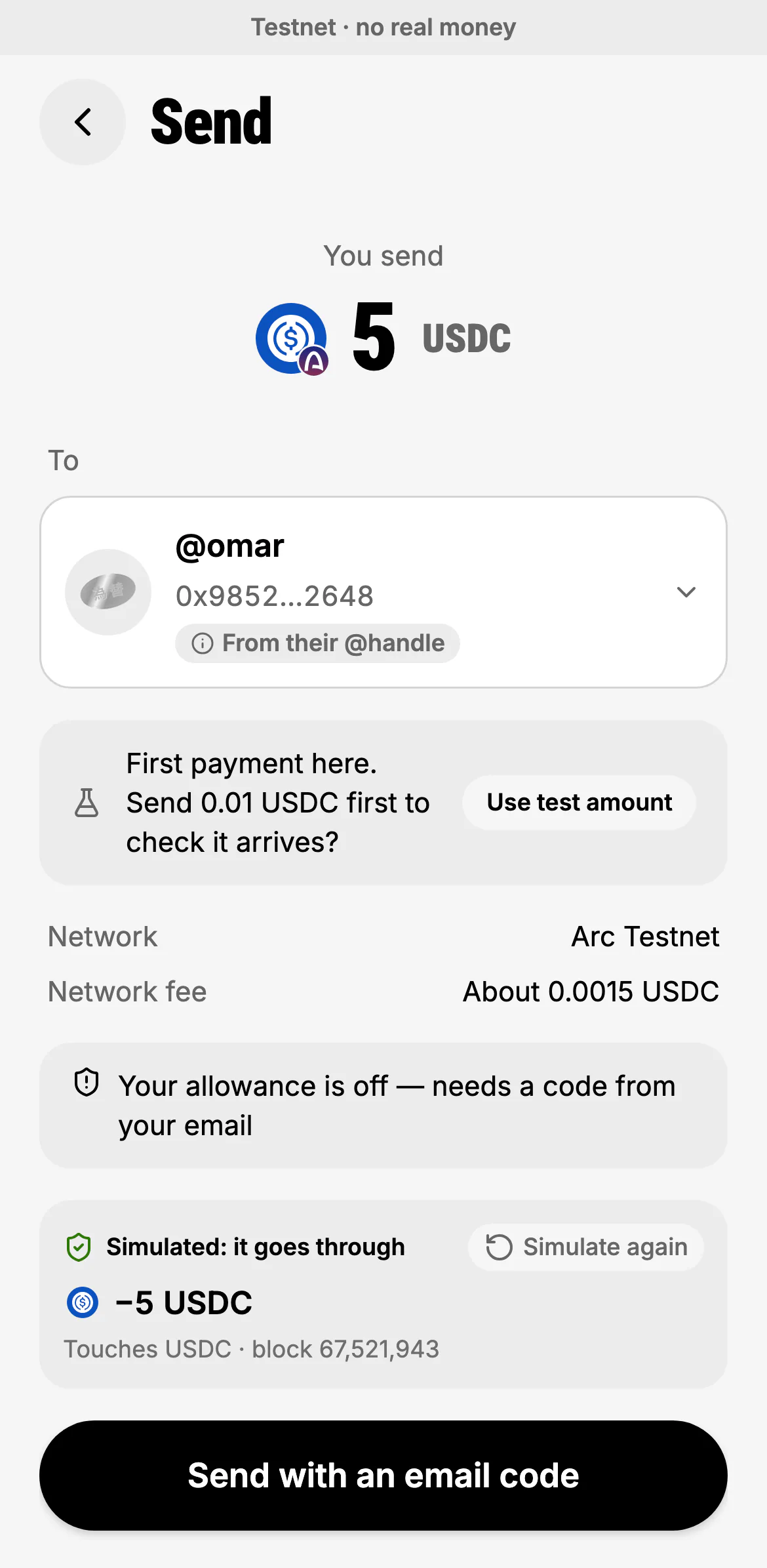
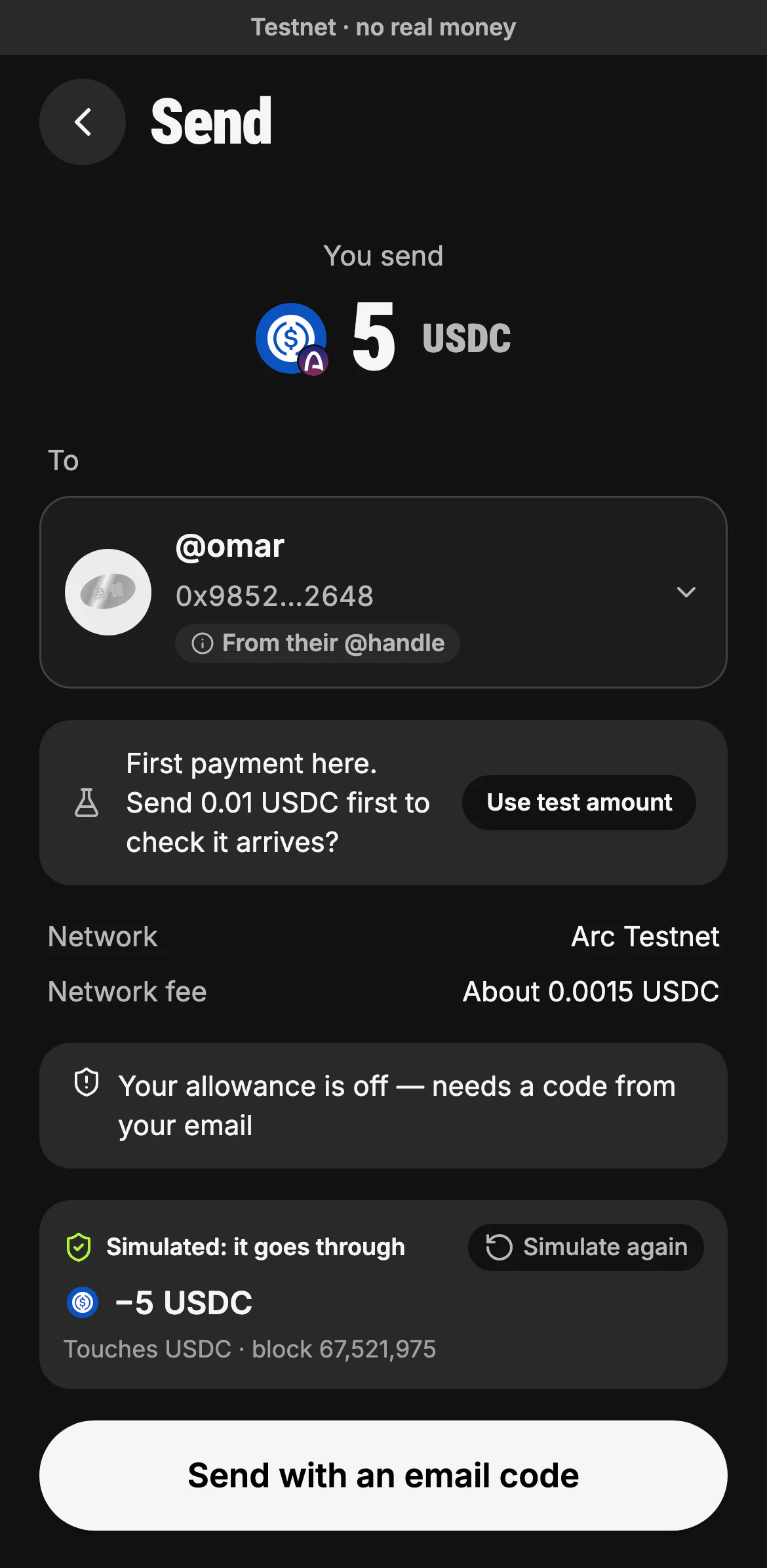
Everything is on one card before anything moves: the amount, who it goes to and where that address came from, the network and its fee, and what Kawase needs from you. Kawase then simulates the send on the chain from your own address: what will leave, by the chain's own logs, and the block it ran on. A send that would fail stops here, before you sign; Simulate again runs it once more. Below it, Their wallet is on another chain? sends USDC there by a bridge instead.
- The recipient, and how Kawase knows the address
- A first payment can go as a test amount first
- Simulated: what will leave, and the block
- Confirm with an email code (Face ID on a phone)
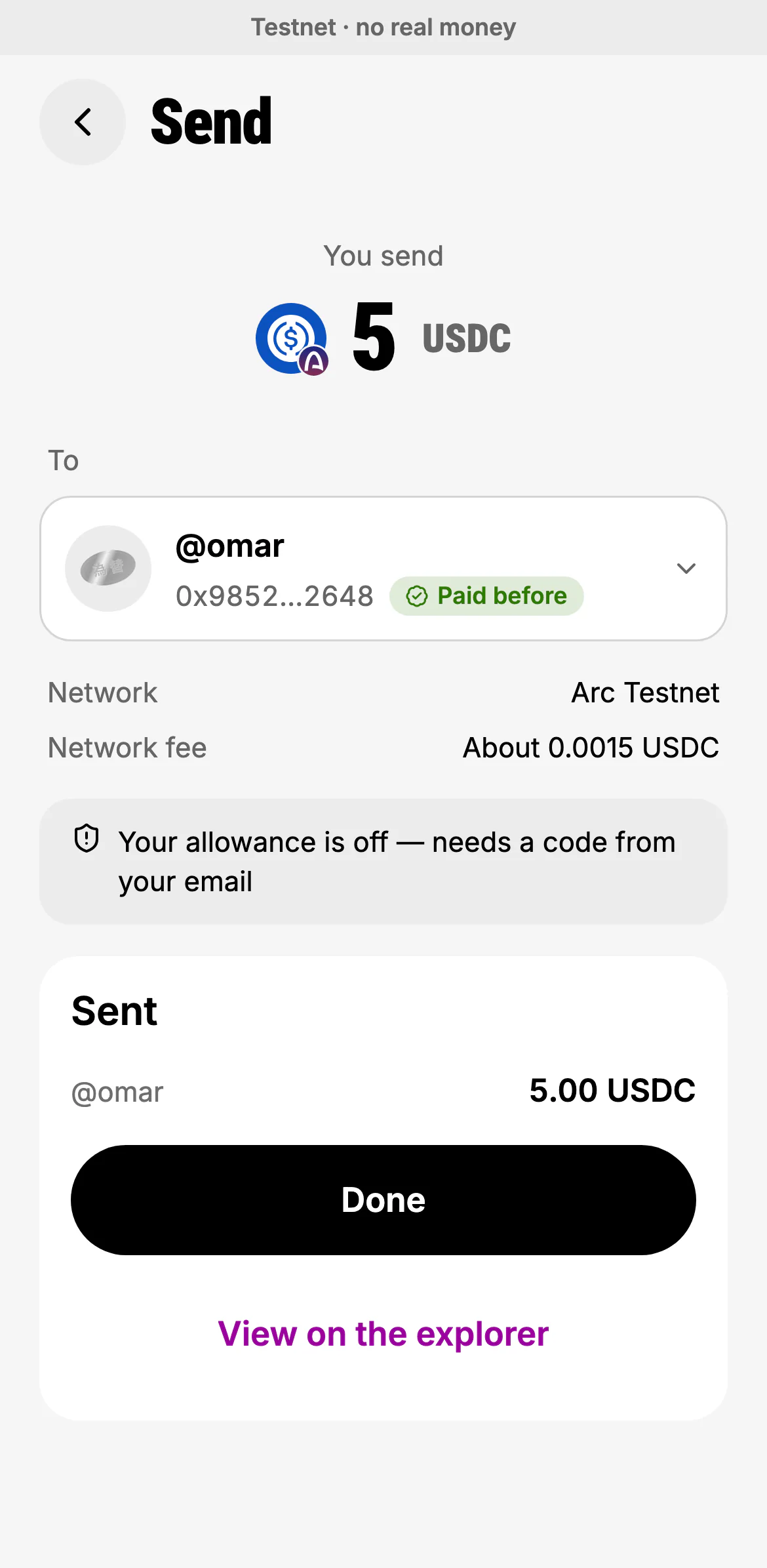
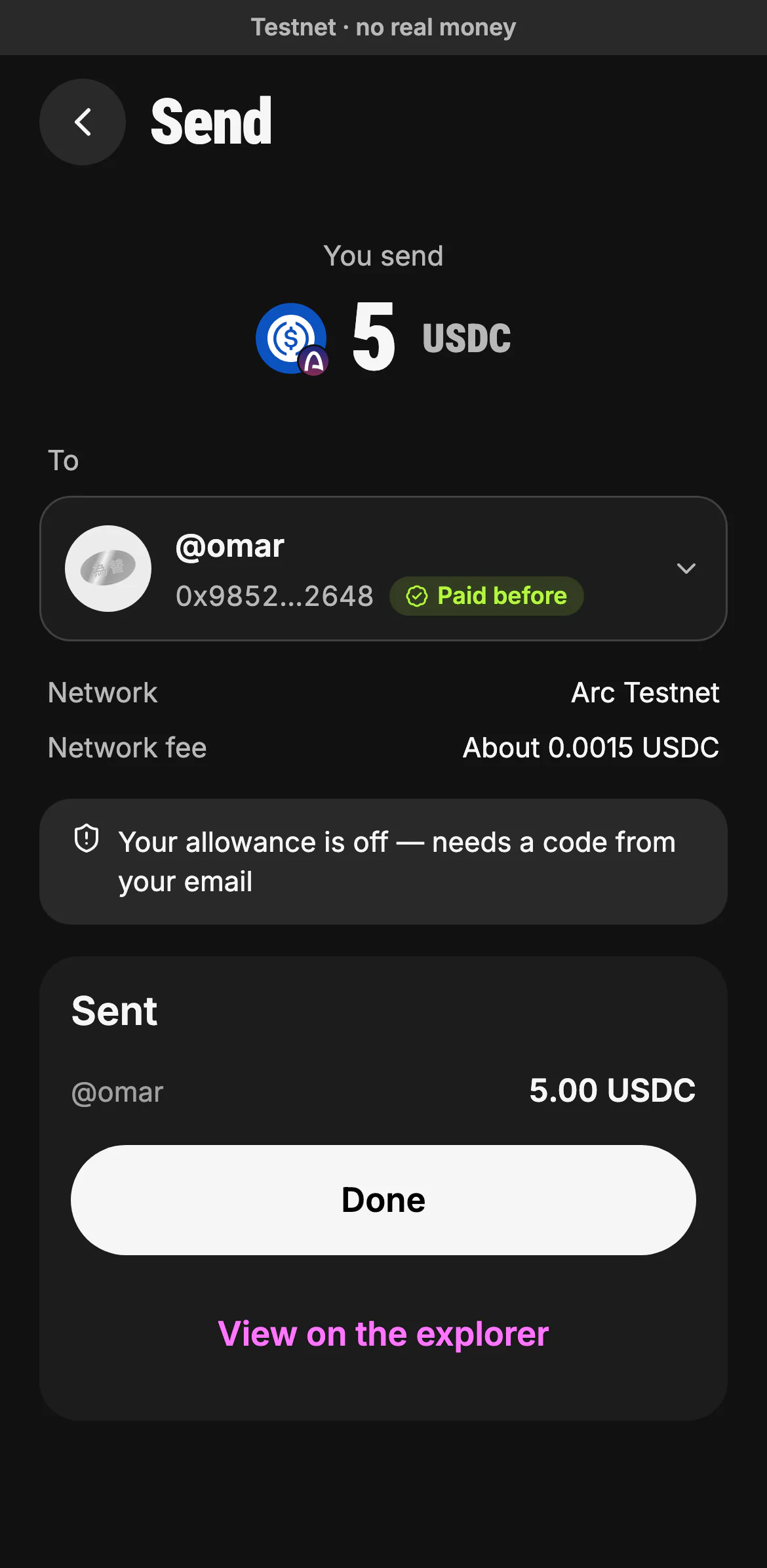
The card follows the payment until the network confirms it. It is marked paid only when the chain's receipt shows the exact transfer; if the answer is slow, it says "still checking" and never sends twice.
- Sent: to whom, and how much
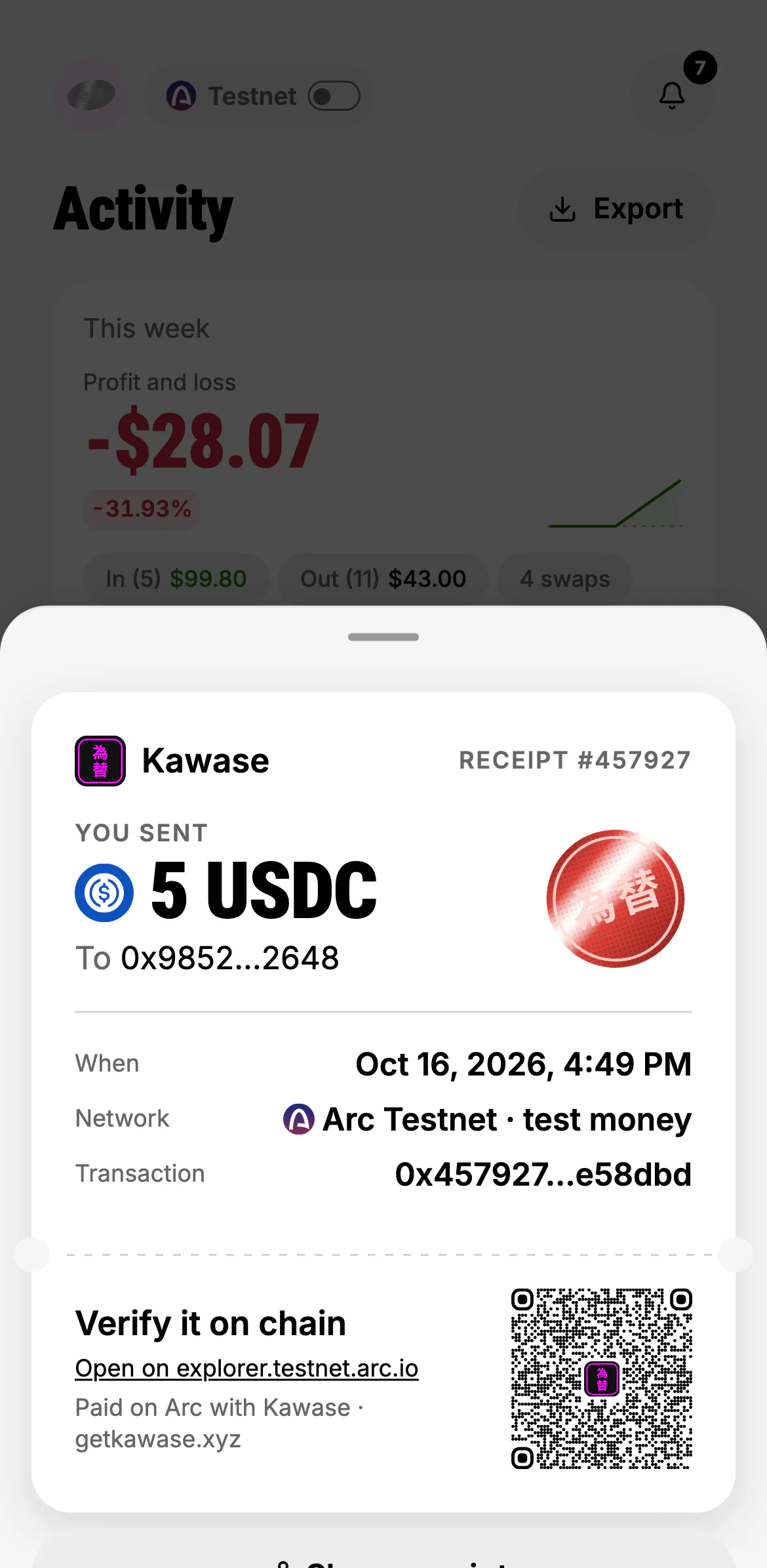
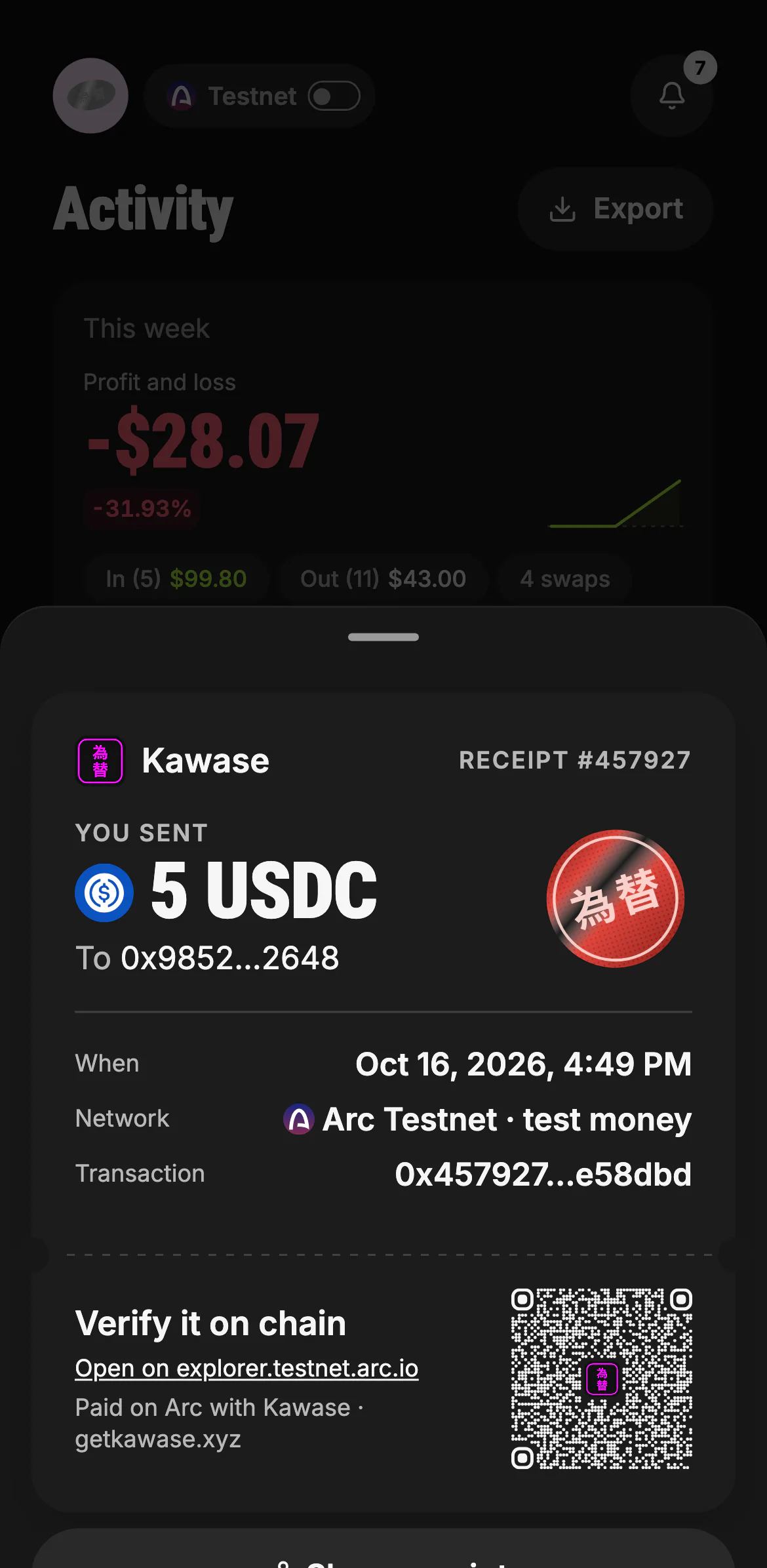
Every payment has a receipt slip: what moved, to whom, when, on which network, and the transaction. Its QR code opens the transaction on ArcScan. See Activity and receipts.
What is checked on every payment
- Where the address came from. Kawase only pays an address from your contacts, a handle, a code you scanned, or your own message, word for word.
- The recipient itself. A token contract or a look-alike of a saved contact is refused; a contract that isn't a wallet is warned about; the token issuer's blocklist is checked where it has one; your own address is named as yours.
- Your money and your rules. Your balance, your weekly budget, and whether a contact's address changed recently.
By asking Kawase
Say or type it the way you'd say it to a person. Kawase prepares the same card, with the same checks, and waits for your tap: a spoken "yes" never approves a payment.
Receive
Your wallet has one address on both networks, and it takes any token on Arc.
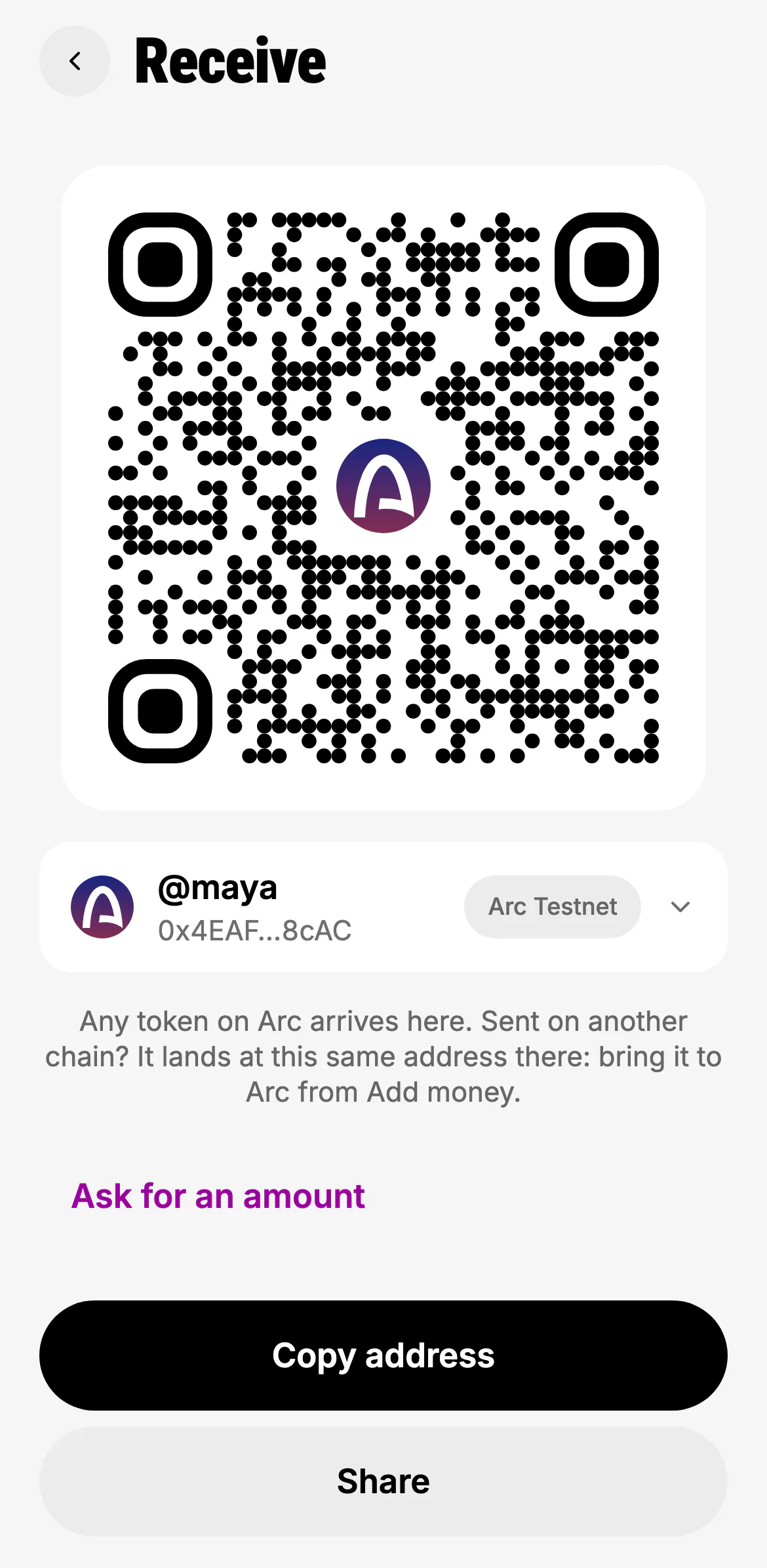
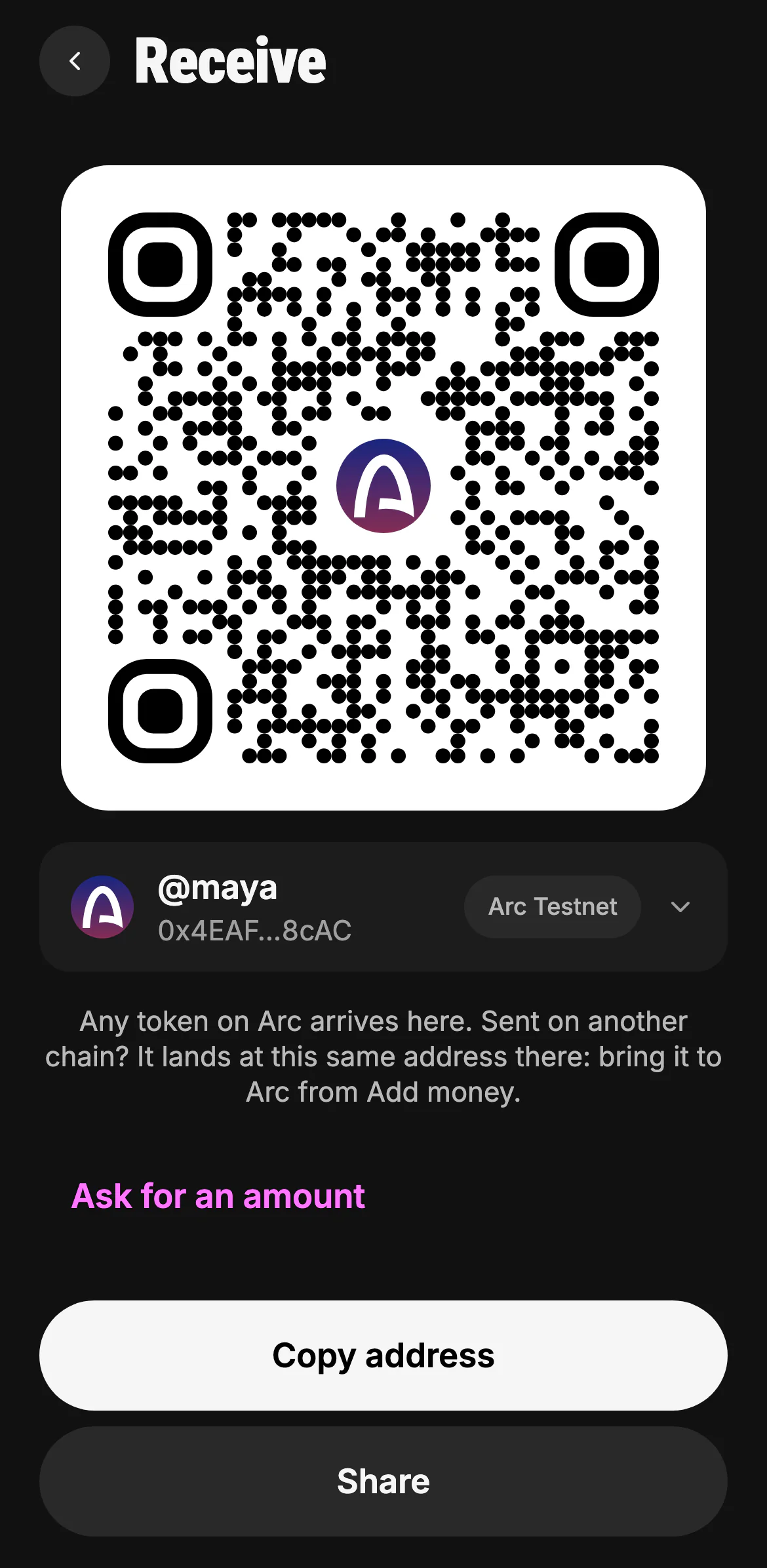
- Your address as a QR code
- Your @handle and your address, on this network
- Ask for an exact amount
- Copy it, or share it
Add money (from +) gathers every way in: buy with Apple Pay or a card, from an exchange, USDC waiting for you on another chain (brought to Arc with no gas), your address and QR code, and test USDC on testnet. Money that arrives shows up in Activity and the inbox, can wake your automations, and offers Save sender as a contact.
Scan to pay
Scan a QR code on Send (or in +) reads a bare address, a payment link with an amount and token (EIP-681), or a Kawase request link. A code for the other Arc network, another chain or a closed request says why, with a network switch where that helps.
Request and split
"Request 15 dollars from Sam for dinner", or Request. Kawase makes a payment request in any token on Arc with a link you share. The person paying opens it in any browser; it is marked paid when a Kawase payment or a matching plain transfer arrives.
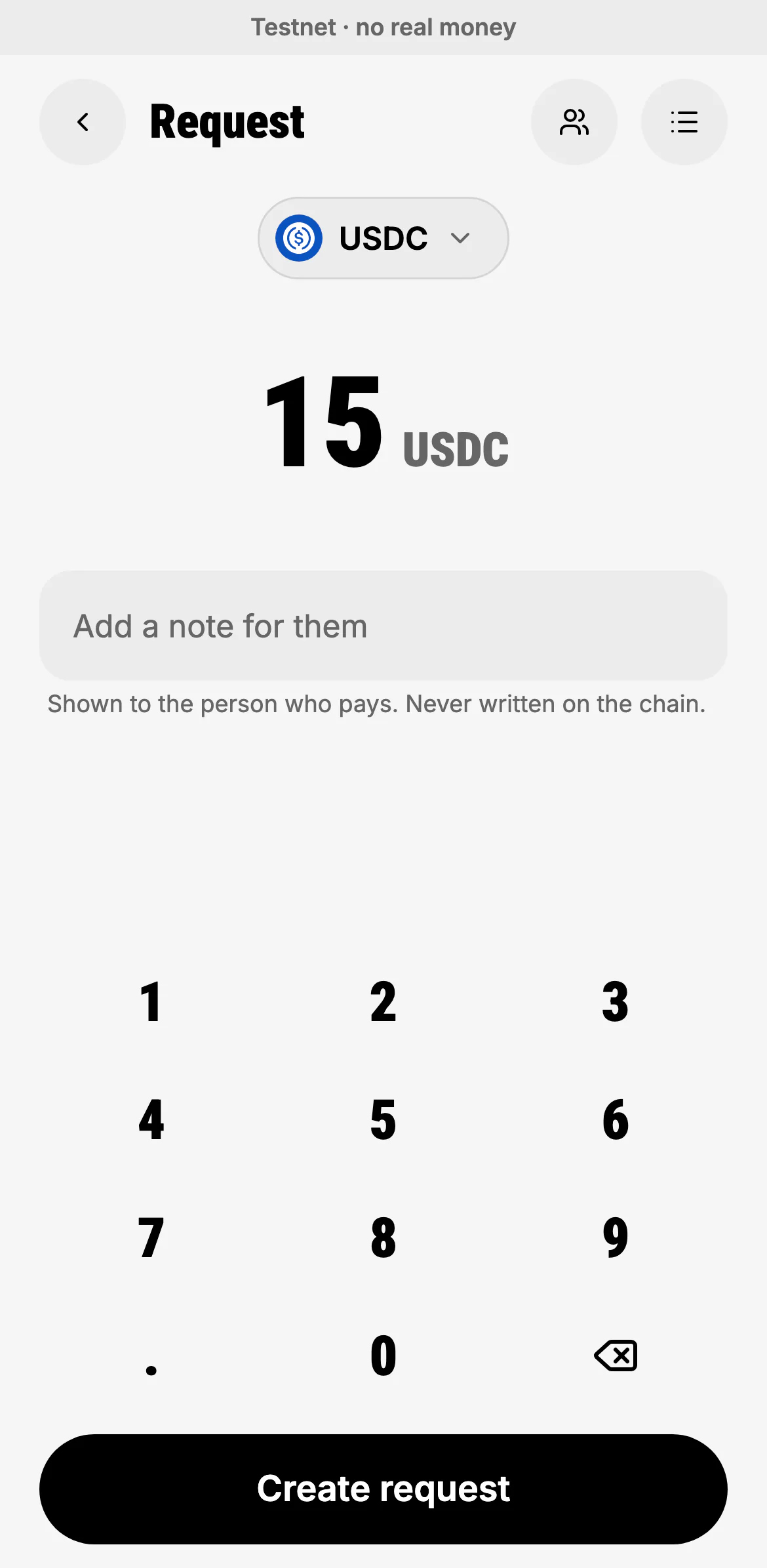
- Any token on Arc
- The amount you ask for
- A note for them, never written on the chain
- Create the request and its link
Split a bill: "split 30 dollars for dinner with Ines and Sam". Equal shares or by hand, with you included or not. Each person gets their own request and link, and a progress card shows who has paid.
Send money
What runs today
- any token the person holds on Arc, to a saved contact, a Kawase @handle, an address they type or scan, with the recipient check on every payment: a token contract or a look-alike of a saved contact is refused, a non-wallet contract is warned about, the issuer's blocklist is checked where the token has one, and their own address is named
- inside the daily allowance it goes at once; above it, to a new address or for a token outside the allowance, the person confirms with Face ID (an email code on the web)
- USDC to someone on another chain (Base, Ethereum, Arbitrum, OP Mainnet, Polygon, Avalanche) through the best bridge route; on mainnet any other token too, as itself, through the cross-chain routes (the Move screen)
- Withdraw: one token, several or everything, each as itself or as cash, to an exchange (Kraken, Bybit, OKX, Binance, Bitget, KuCoin, Coinbase via Base), the person's own wallet on Arc or another chain, or their bank through an exchange; the route is planned per token (transfer, bridge or convert first) and confirmed once
Not yet
- inside one withdraw batch, tokens other than USDC go to another chain as cash (converted); as themselves they go as a separate move (the line offers it, mainnet)
- exchanges on testnet (withdraw goes to the person's own wallet there)
Request money
What runs today
- a payment request with a shareable link in any token on Arc; marked paid by a Kawase send or a matching plain transfer