The network toggle
Switch between Arc mainnet (real money) and Arc testnet (test money) in one tap, with the network shown on every screen.
Kawase works on two networks: Arc mainnet, where money is real, and Arc testnet, where it is not. The network pill at the top of Home switches between them in one tap, both ways, like dark mode.
1
Tap the pill
Testnet ⇄ Mainnet, both ways.
First time to mainnet
Real money
Tick "I understand this is real money".
After that
Instant
Like switching dark mode.
2
Always shown
The pill, a strip or a Real money chip.
Testnet and mainnet, side by side
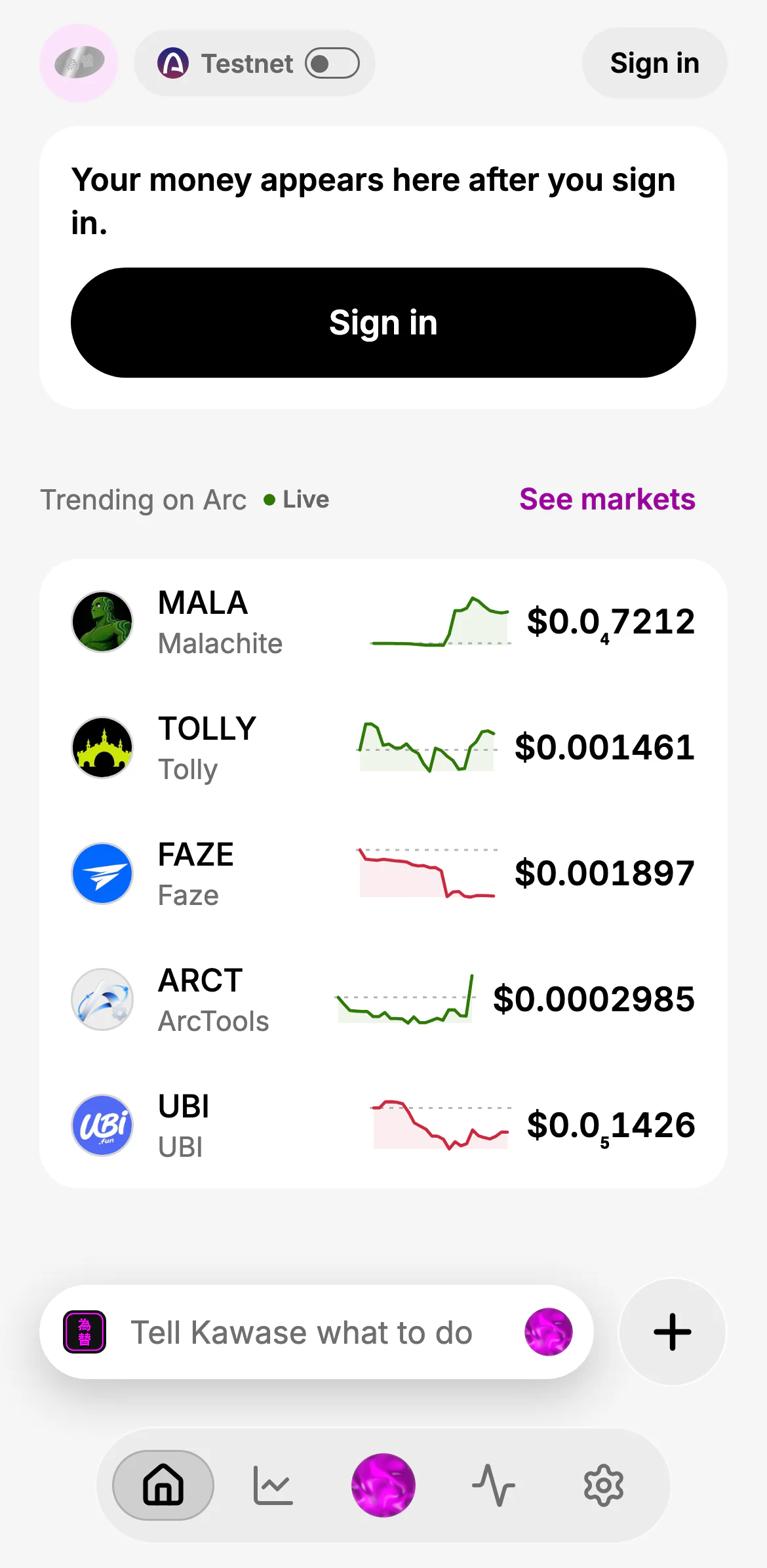
- Testnet: test money only
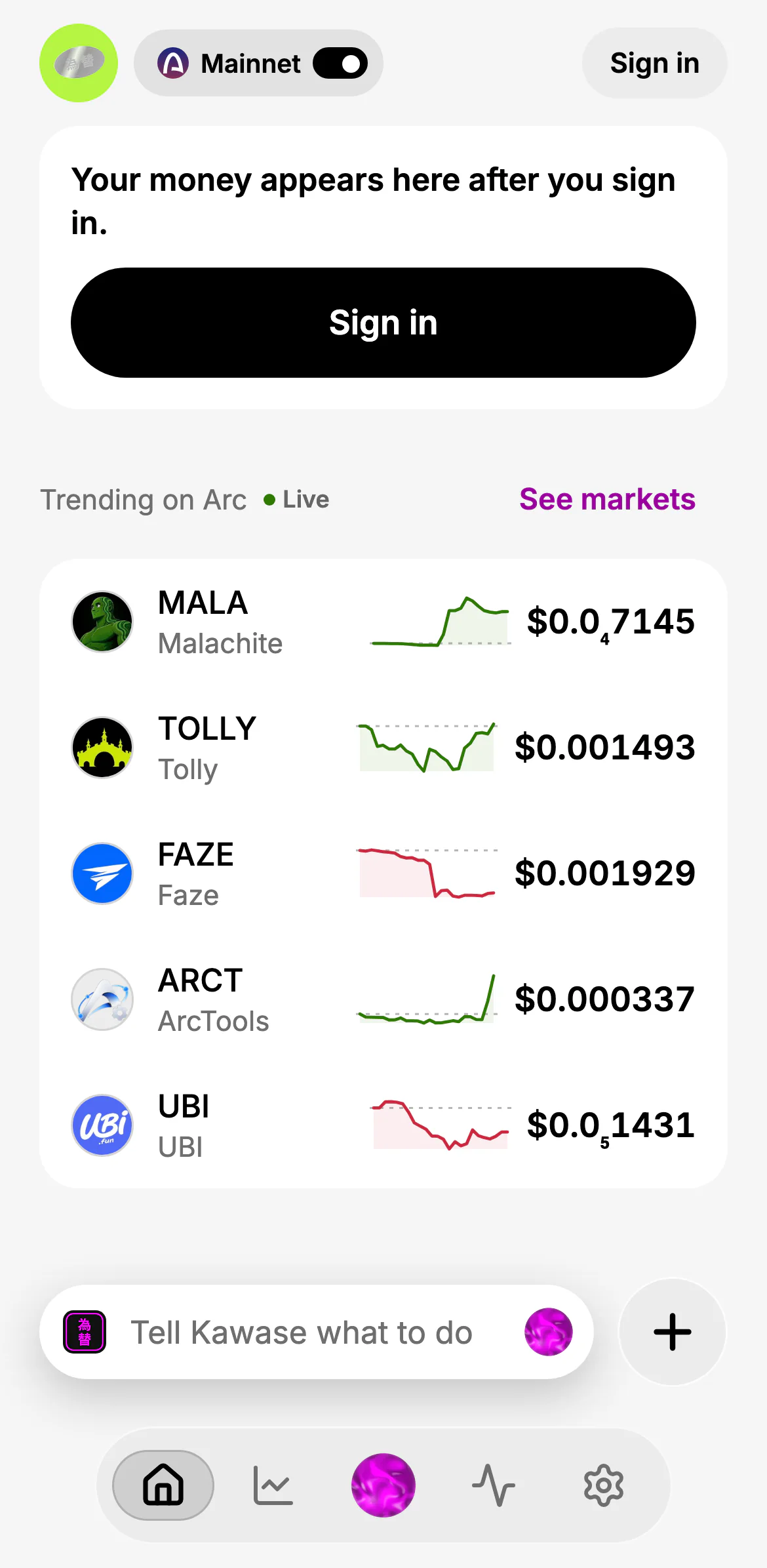
- Mainnet: real money
Always visible, never colour alone
- The pill names the network on Home, and in Settings → Network.
- On testnet, pushed screens carry a strip: "Testnet · no real money" (see Send).
- On mainnet, money screens carry a Real money chip:
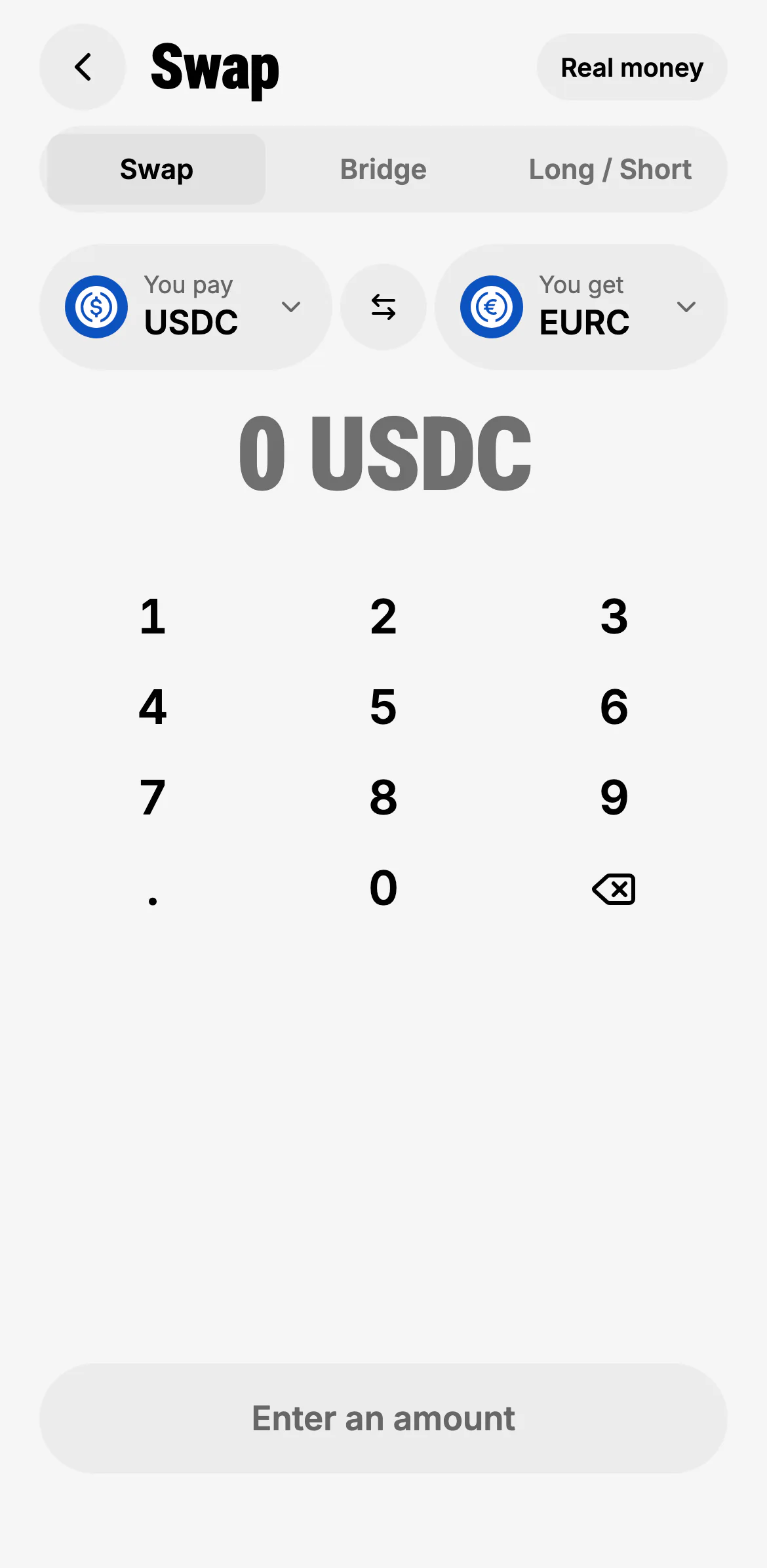
- Real money
How it behaves
- New accounts start on testnet, and anything missing or unreadable falls back to testnet: the safe direction.
- The first switch to mainnet asks you to confirm that money there is real; after that it is instant. Guests can look around both networks; mainnet money needs an account.
- Your wallet is the same on both: one address, the same contacts and settings. Balances and activity are per network.
- Drafts stay where they were made. Something you're reviewing stays on the network it was made on; switch back to approve it.
- The server decides. The network is part of your session on the server, never chosen by the AI model; every payment carries the network it was prepared for, and a mismatch stops it.
When something exists on only one network (the faucet on testnet, long and short on mainnet), Kawase says so and offers to switch rather than failing. See networks for the full comparison.