Buy with Apple Pay or card
Buy USDC or EURC with Apple Pay, Google Pay, a debit card or a bank transfer, inside Kawase, through Circle (straight to Arc) or Coinbase (via Base), followed until it lands in your wallet.
Buy, step by step
"Buy 50 dollars of USDC", or + → Add money → Buy with Apple Pay or card.
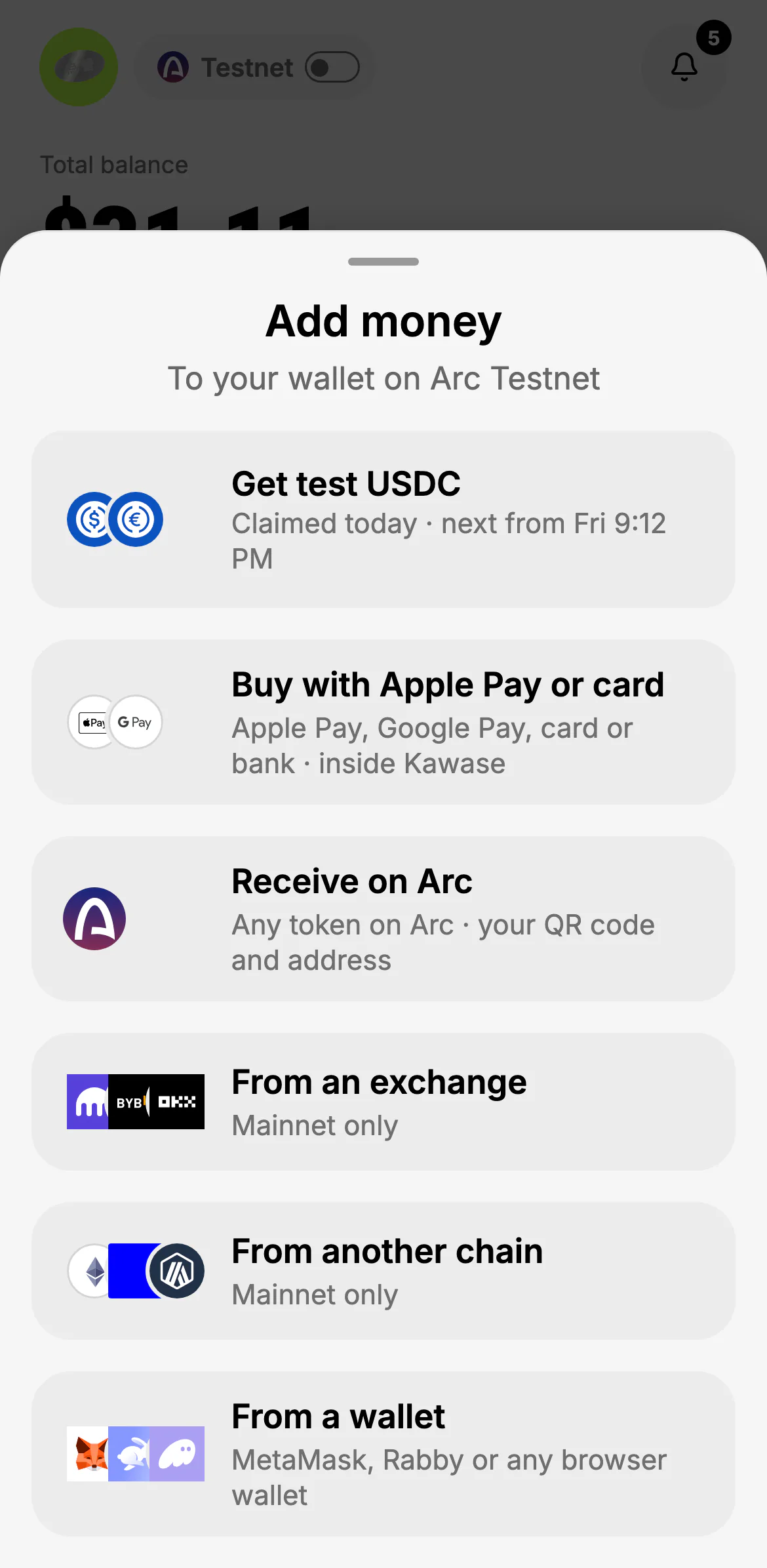
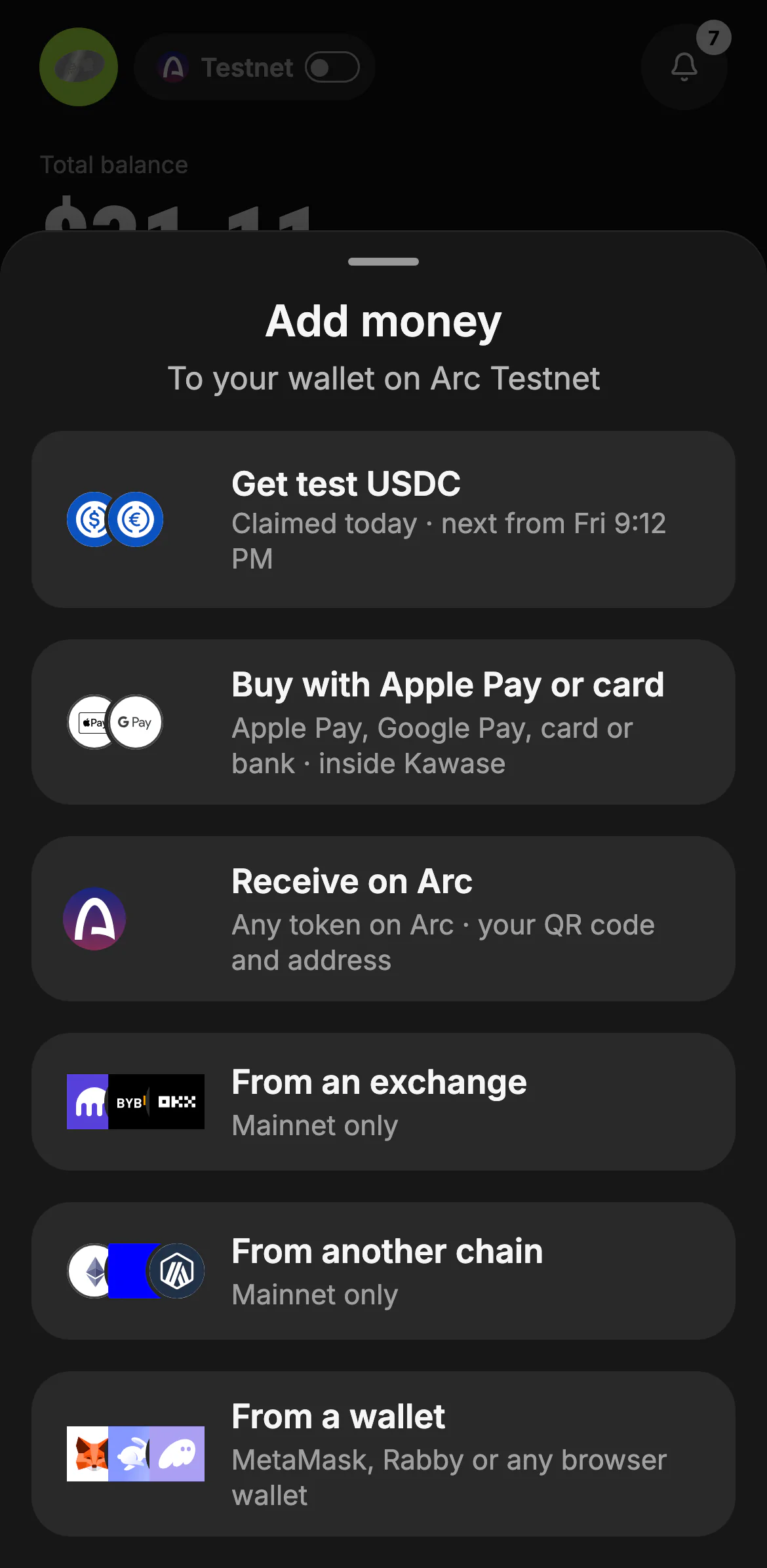
Add money gathers every way in: test USDC on testnet, buying, your own address, an exchange, another chain, or a browser wallet (MetaMask, Rabby).
- Buy with Apple Pay or card
- Or from a wallet in your browser
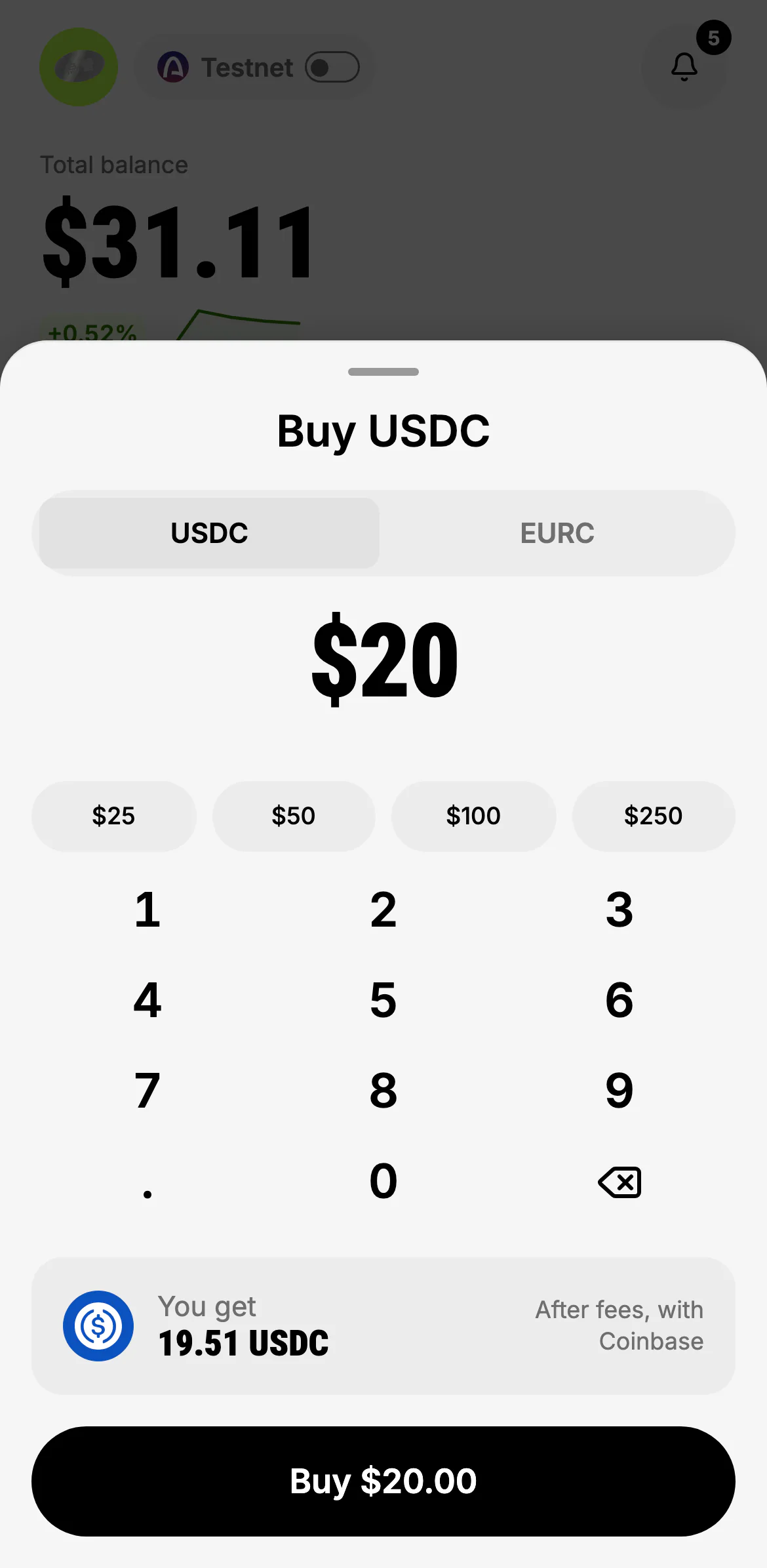
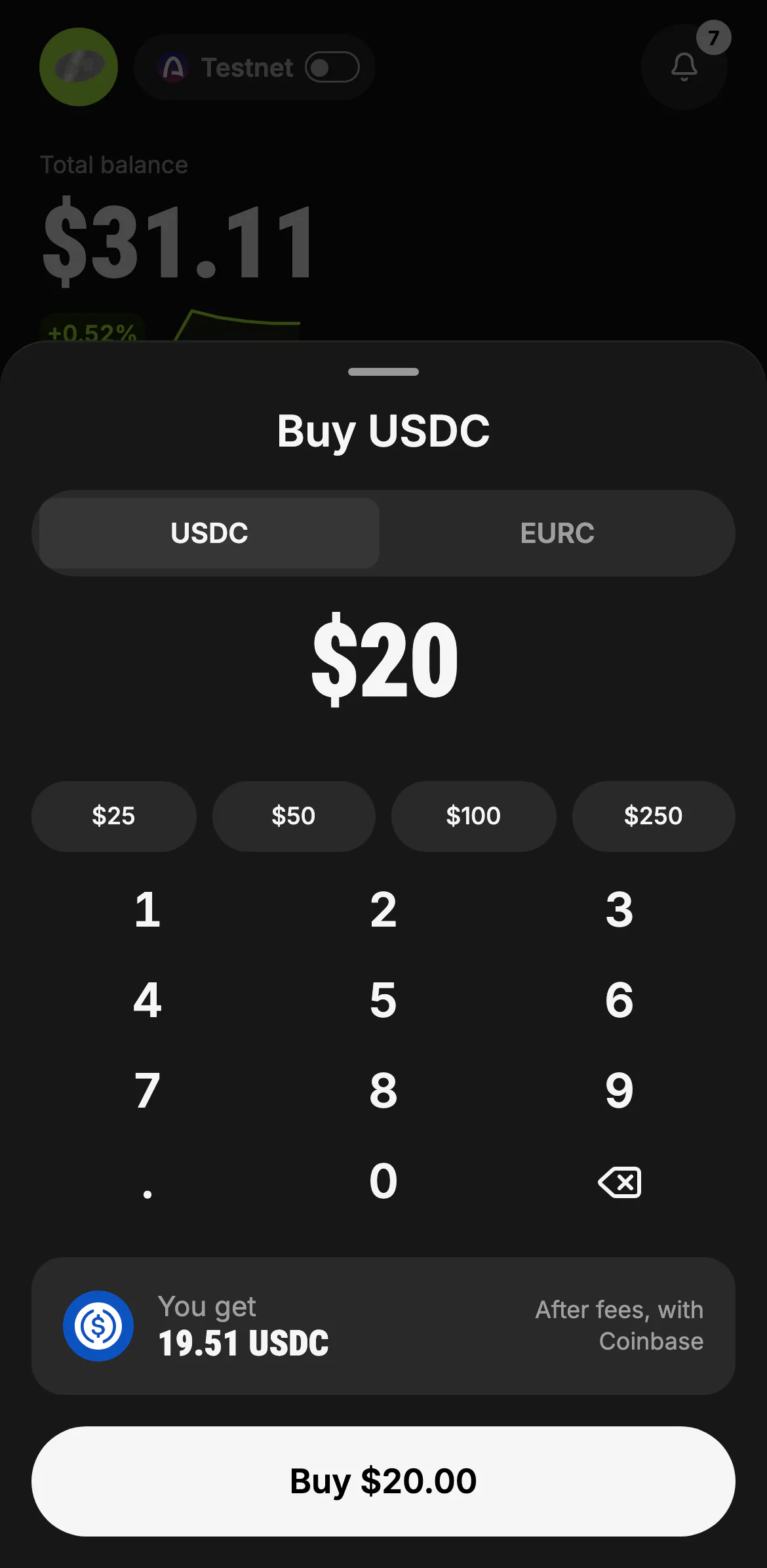
Pick USDC or EURC and an amount. You get shows what arrives after the provider's fees, before you pay.
- USDC or EURC
- $25 · $50 · $100 · $250
- What arrives, after fees
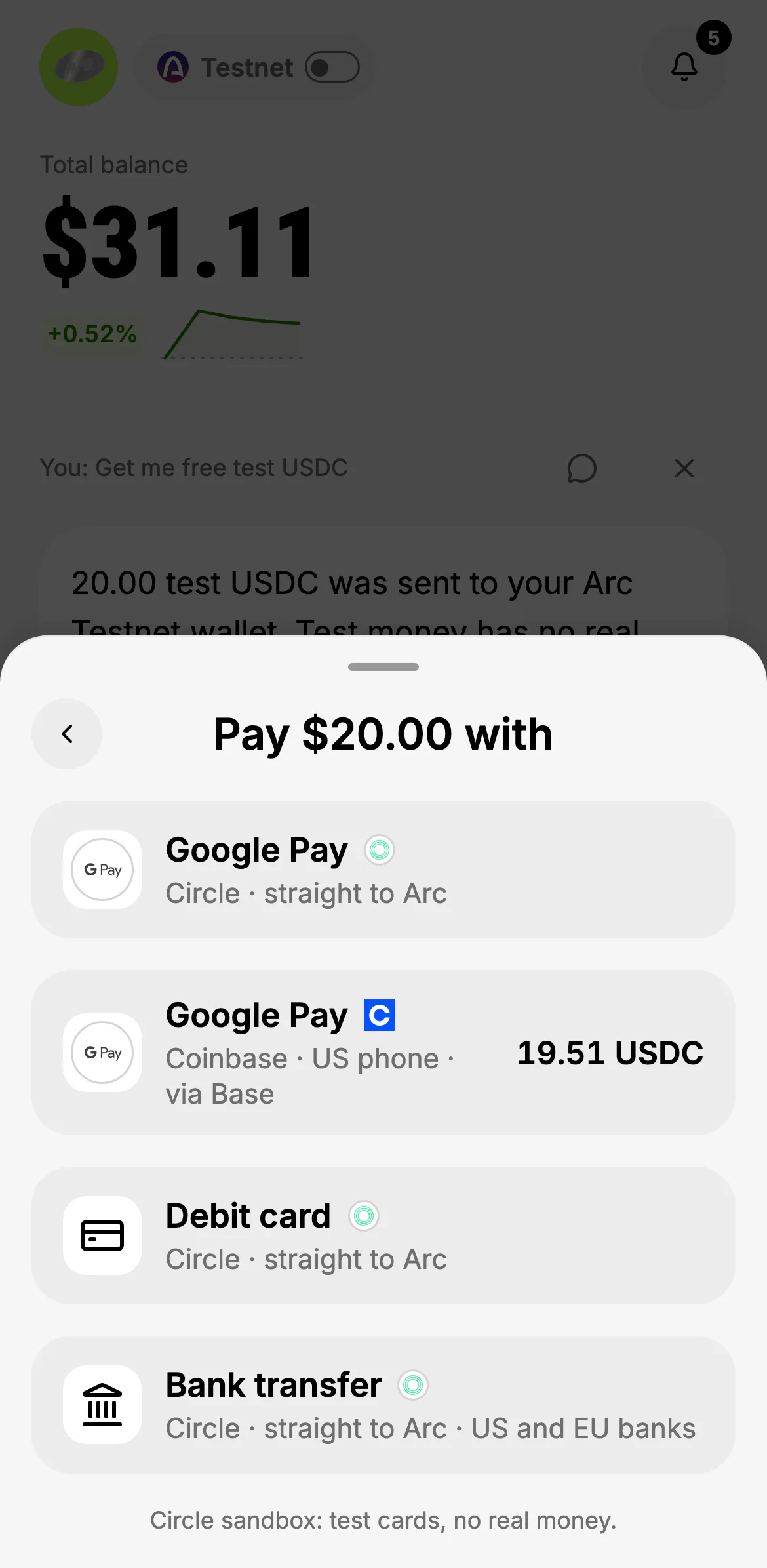
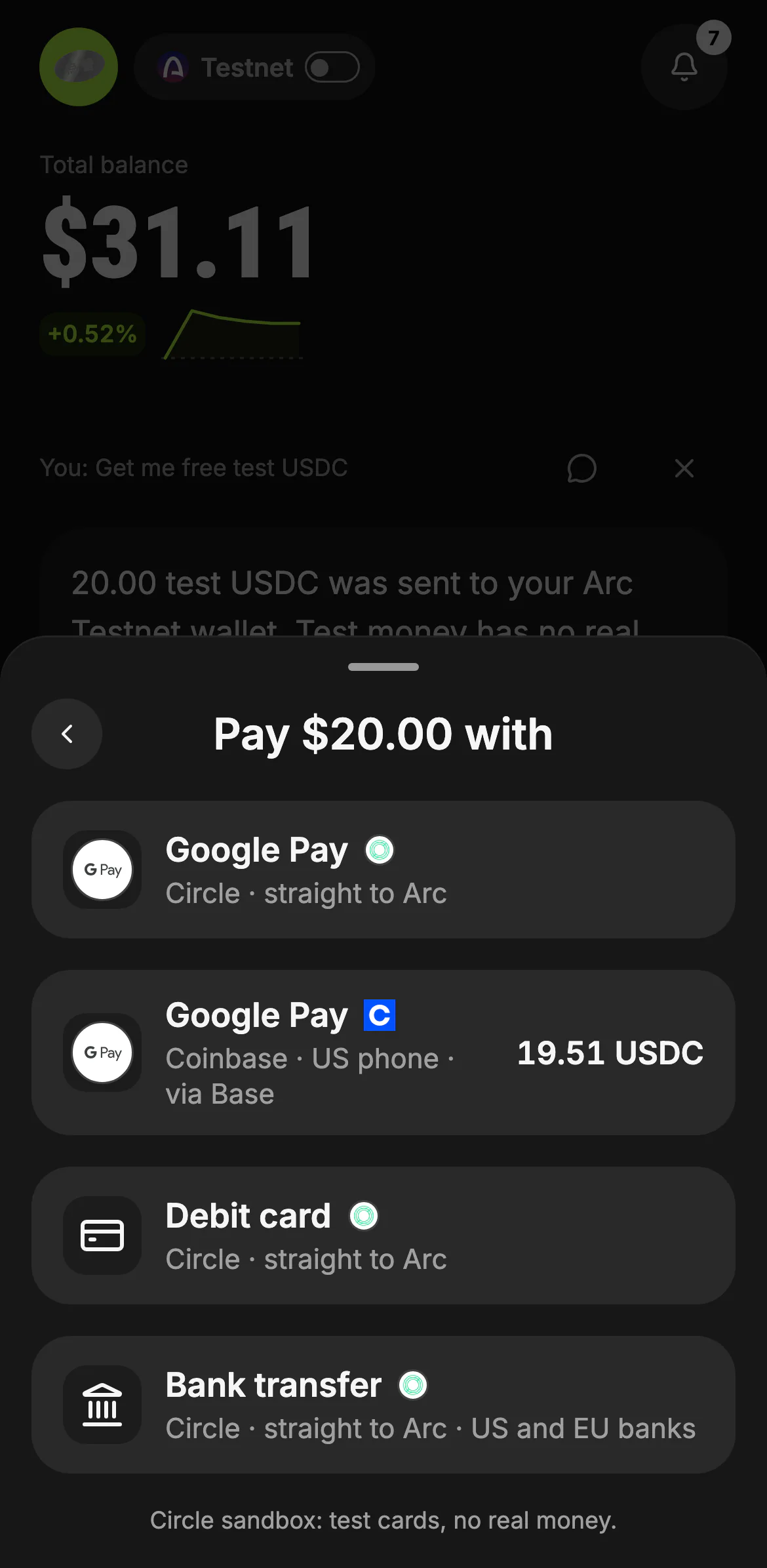
Every way to pay that works on your device, with the provider and the route: Circle sends straight to your wallet on Arc; Coinbase (US phone numbers) delivers on Base and Kawase brings it to Arc. Apple Pay shows on an iPhone, Google Pay where the browser offers it.
- Circle: straight to Arc
- Coinbase: via Base, with what you get
- On testnet: Circle's sandbox, test cards only
Checkout and delivery
The provider's checkout opens inside Kawase (on the web too), with its rail on top: Paying → Buying → On Arc (Coinbase adds Moving to Arc). Card and identity checks are the provider's, never Kawase's. It is safe to leave: Kawase follows the order until the chain confirms the delivery, then says "You're funded". If the payment didn't complete, the provider's reason is shown with Try again, and it always says whether any money moved.
Buying another token
Ask for any other token ("buy 30 dollars of cirBTC with Apple Pay") and Kawase buys USDC first, then opens the swap for what arrived, with one more approval and both fees shown. It only ever continues to a canonical or listed token, never a look-alike.
Where it runs
- Mainnet: real money, with the provider's own limits and checks.
- Testnet: Circle's sandbox with test cards; no real money moves. The free test USDC in Add money works too.
Selling to a bank account goes through an exchange: see Withdraw.
Buy with card
What runs today
- buying USDC or EURC with a debit card, Apple Pay or Google Pay through Circle's Onramp, delivered to the person's own wallet on Arc and confirmed when it lands on chain
- buying another token with a card: the Buy sheet's "You get" takes any token on Arc; the USDC that arrives is swapped with one more approval (both fees shown first), and a swap that is short of dollars offers the card
- on Arc Testnet: Circle's sandbox with test cards, no real money
Not yet
- Apple Pay and Google Pay on mainnet until Circle finishes its business check of Kawase's domain (the checkout shows which methods it offers)
- selling to a bank account (cash out goes through an exchange that takes Arc deposits)