Budget and control
One weekly budget your wallet signs on Arc, what it covers, what always asks, and the controls around it — pause, the risk dial, practice mode, token rules, Needs you, hold to revoke everything and the exit kit.
Everything Kawase may do without asking is one weekly budget, signed by your wallet and enforced by Arc itself. Inside it, Kawase acts without asking each time; anything else waits for you. The model behind it is on the safety page.
Your weekly budget
You turn it on right after setting up your wallet (getting started); afterwards it lives in Settings → Weekly budget.
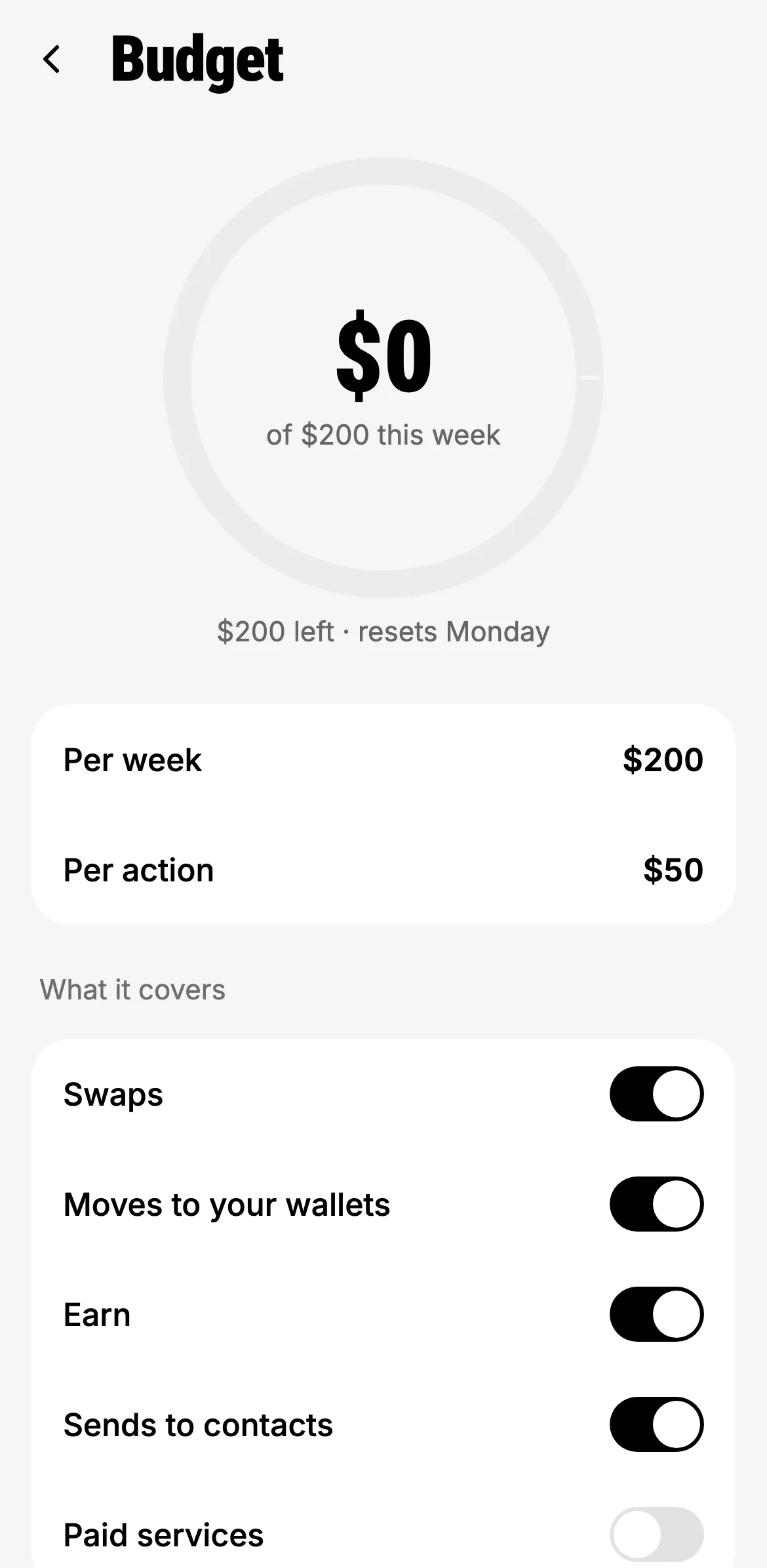
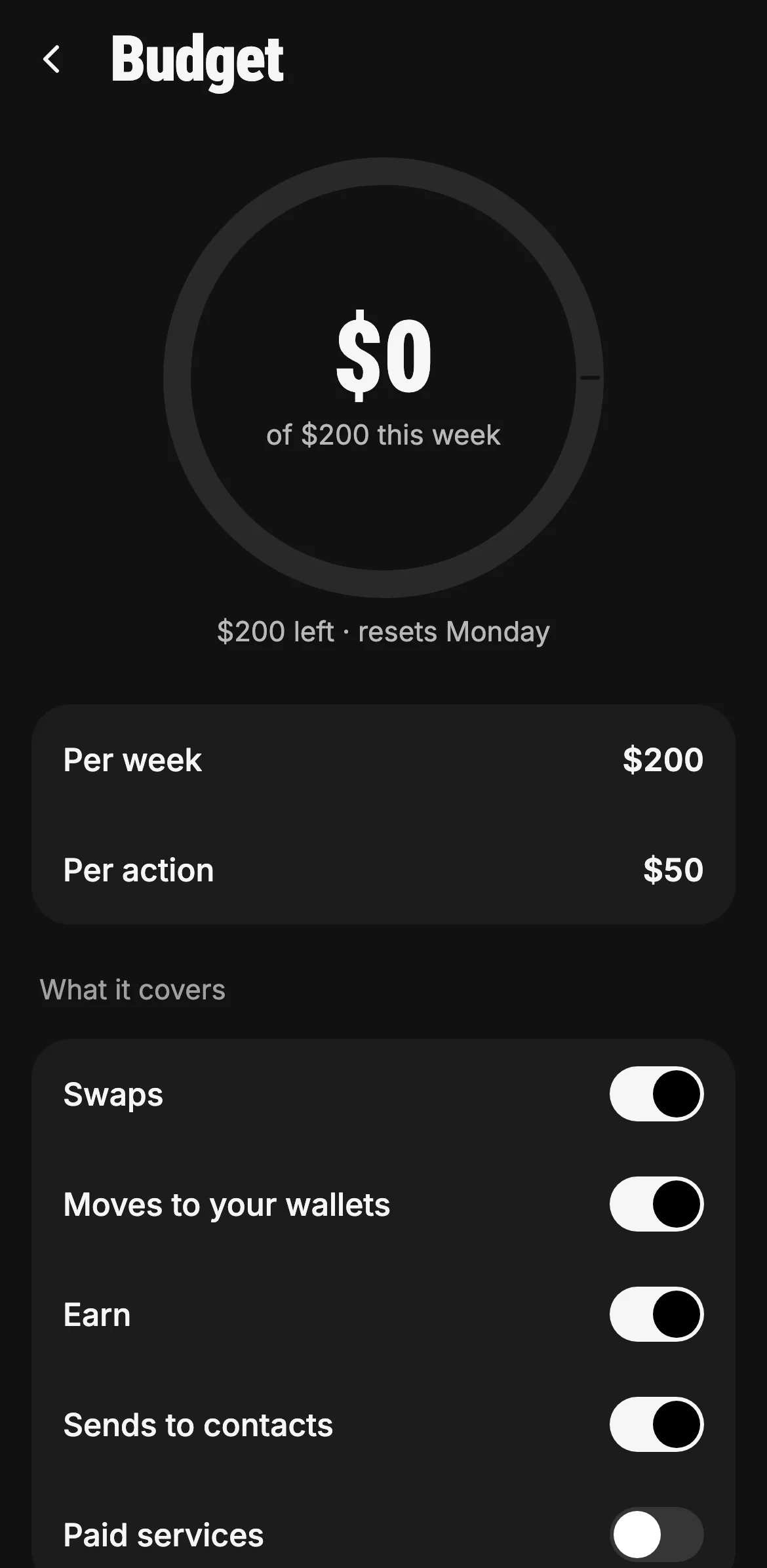
The ring shows what Kawase spent for you this week, without asking, against the weekly cap. It resets every Monday.
- Spent this week, of your cap
- Per week, and per action
- What it covers
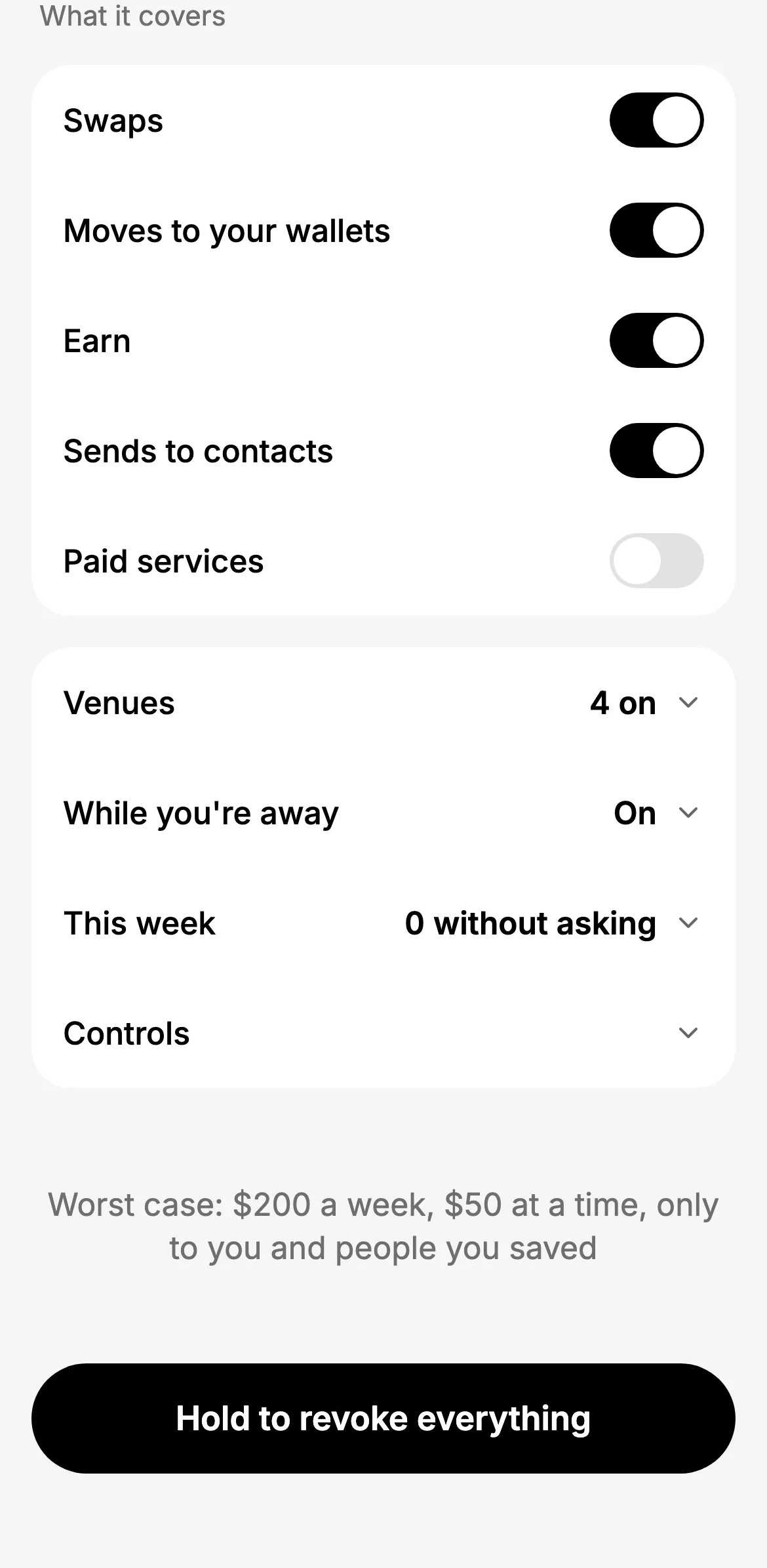
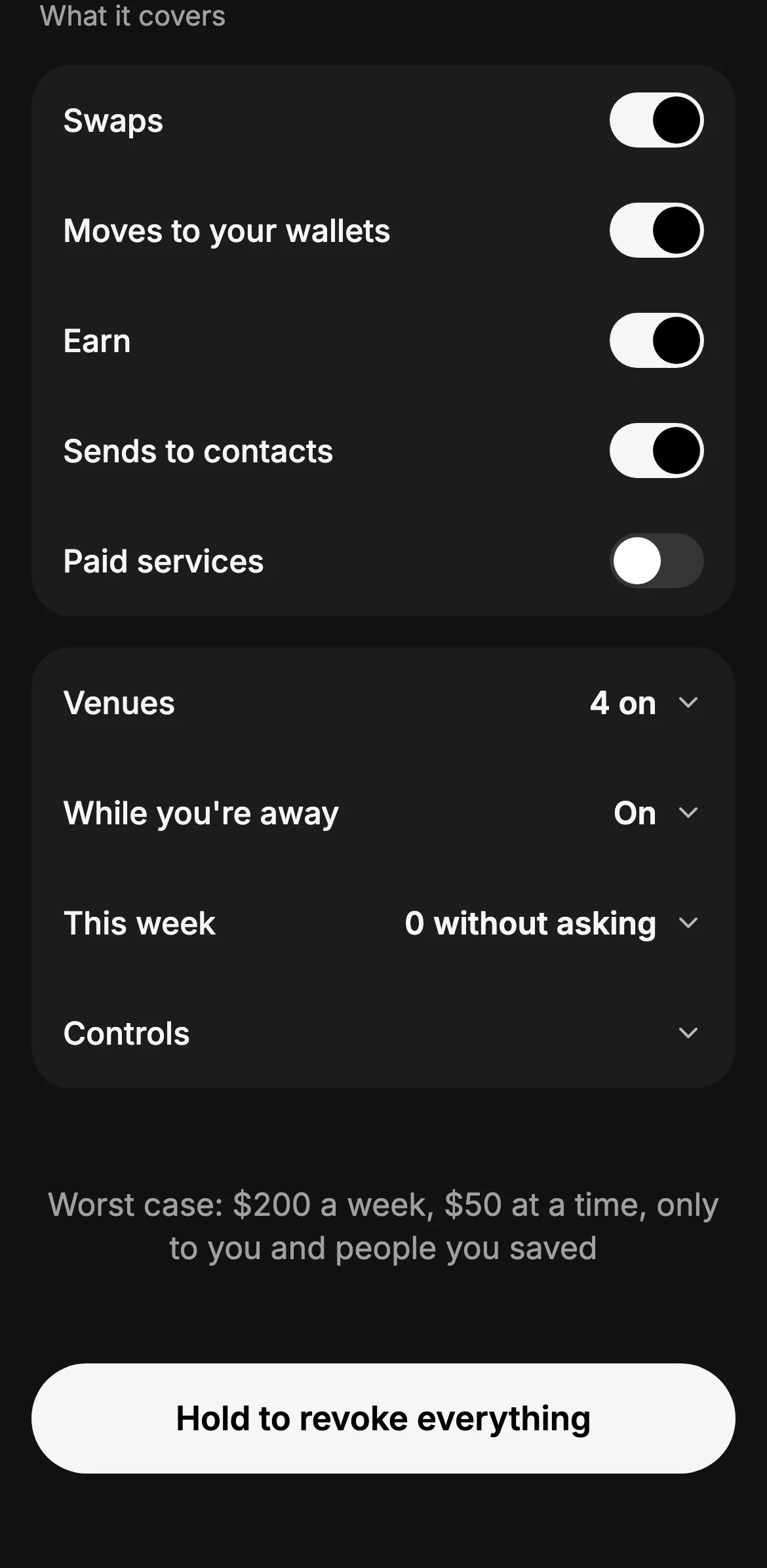
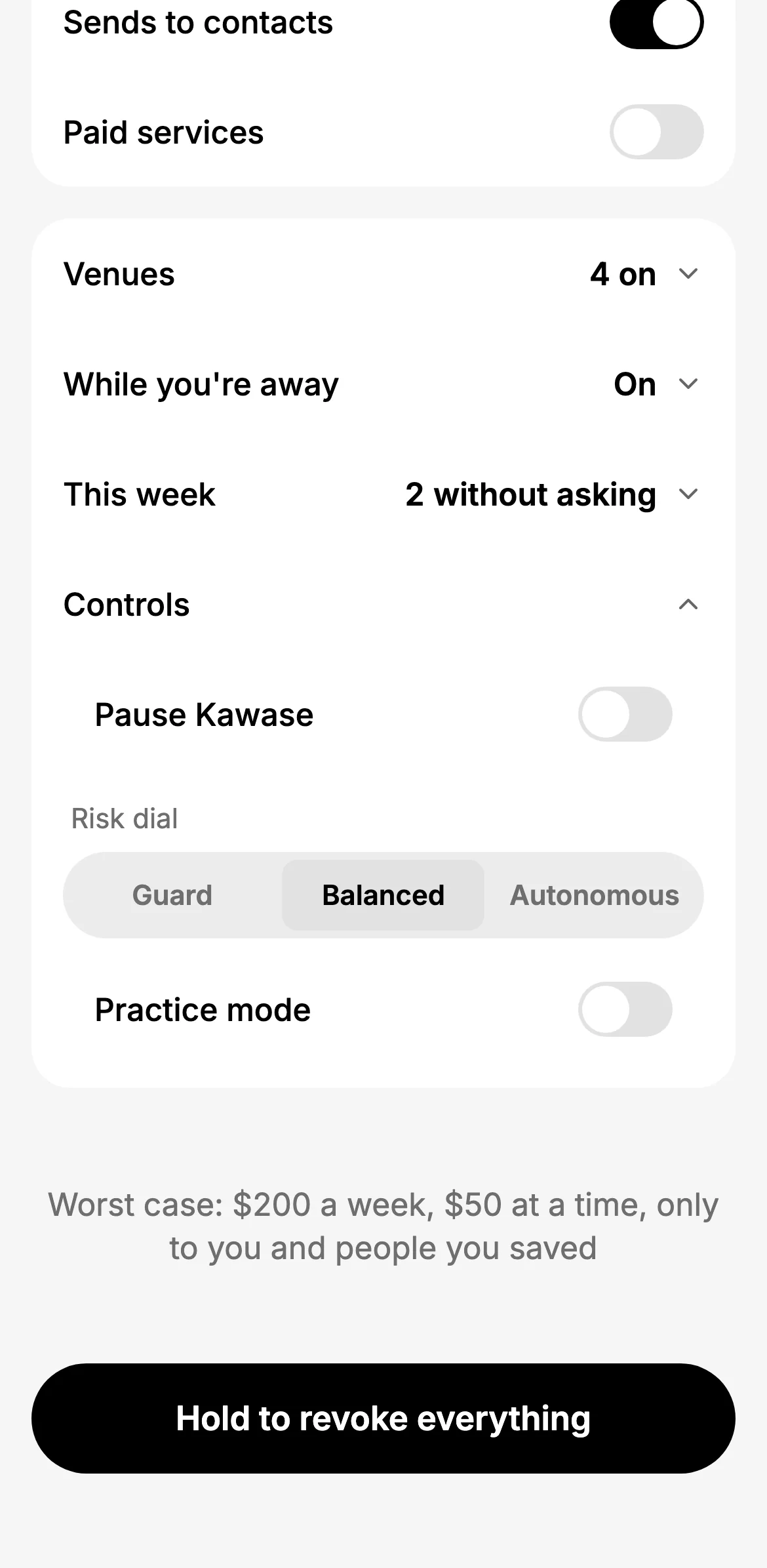
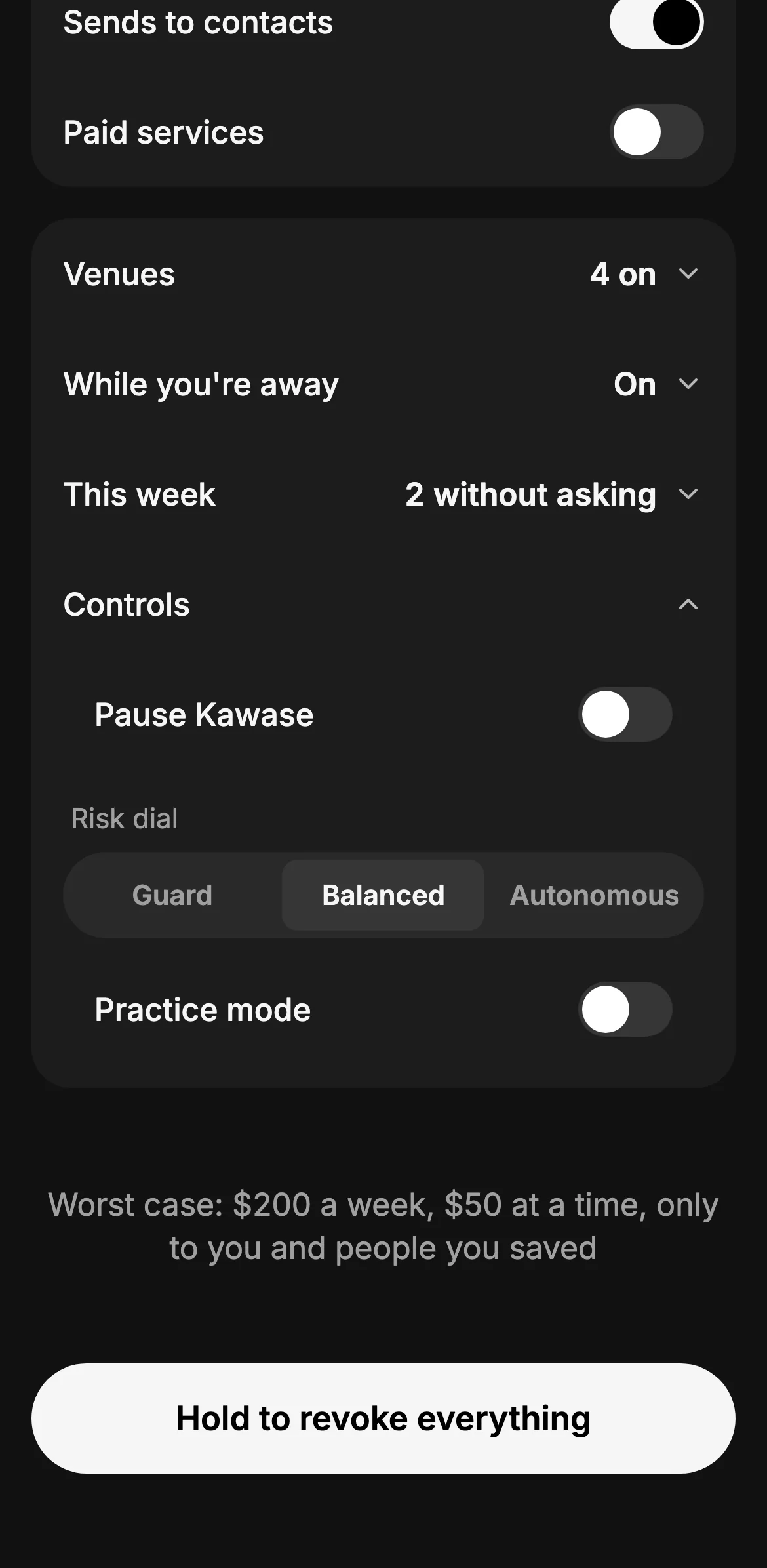
Swaps, moves to your own wallets, Earn, sends to your saved contacts and paid services: each is a switch. Venues are the swap and bridge venues it may use; While you're away is what may run when you're not in the app (paying only saved contacts up to a cap each, moving money in and out of your own vaults, moving USDC only to your own address on Base).
- The venues it may use
- While you're away
- This week: how many went without asking
- The worst case, in one sentence
Pause Kawase stops everything it does on its own (each action then waits for you). The risk dial sets how much it may do: Guard (every payment waits for you, chat too), Balanced (inside your budget, a typed request goes at once) or Autonomous (it may act on its own suggestions inside your limits, then tells you). Practice mode turns every action into a dry run.
- Pause Kawase
- Guard · Balanced · Autonomous
- Practice mode
- Hold to revoke everything
Lowering a number saves at once. Raising one shows you the change and asks your wallet to sign the new budget, which also switches off the old one: two budgets are never live at the same time. Hold to revoke everything takes every permission back on Arc in one transaction.
What always asks
Even inside the budget, these wait for you, with the reason on the card and the fix beside it:
- a first payment to someone, or a new destination;
- opening a position, or anything above your limit per action or more than what's left this week;
- a category or venue that is not part of your budget;
- a token Kawase doesn't vouch for, a price it couldn't check, or one worse than the market price;
- anything while Kawase is paused, in Guard mode or in practice.
Approving once covers that one action; the budget itself only changes when you change it.
Practice mode
With practice on, Kawase runs the exact transaction you asked for as a dry run on Arc, from your own address, and shows "Would have sent" with the chain's answer. Nothing moves. Automations run in practice too, and a marketplace purchase answers "would pay" with the live price.
Token rules
Token rules set which tokens Kawase may buy for you, with caps for unverified tokens per trade and per day and the highest price impact you accept; see Trade any token.
Needs you
Some steps an automation may never take alone: every swap, a payment above its grant, or one your rules hold back. They wait in Needs you, in the inbox and in Automations, with a push notification where notifications are on. Answer from anywhere, once; approving opens the very send or swap you would make by hand, re-checked. Unanswered items are reminded after 12 hours and expire after 24.
The exit kit
If something feels wrong: Pause everything, then hold to revoke every permission, then Move my money out, which opens Withdraw for everything. It sits at the bottom of Withdraw.
Activity and why
Every movement is in Activity, and every receipt has Why this happened: the request it came from, what was checked, and which rule let it go or made it wait.
From chat
Ask "what are my limits?", "pause everything", "set the dial to guard" or "revoke everything". Each answer is a card, and changes are approved on the card.