Automations
Scheduled sends, regular buys, Auto-save, round-ups and balance rules that run by themselves inside a limit your wallet signs once on Arc, with a practice run first and Watching on Home for what runs next.
Automations are things that should happen without you opening the app. Each one runs unattended, but inside a limit your wallet signs once on Arc, so even Kawase itself cannot make it do more.
A scheduled send, step by step
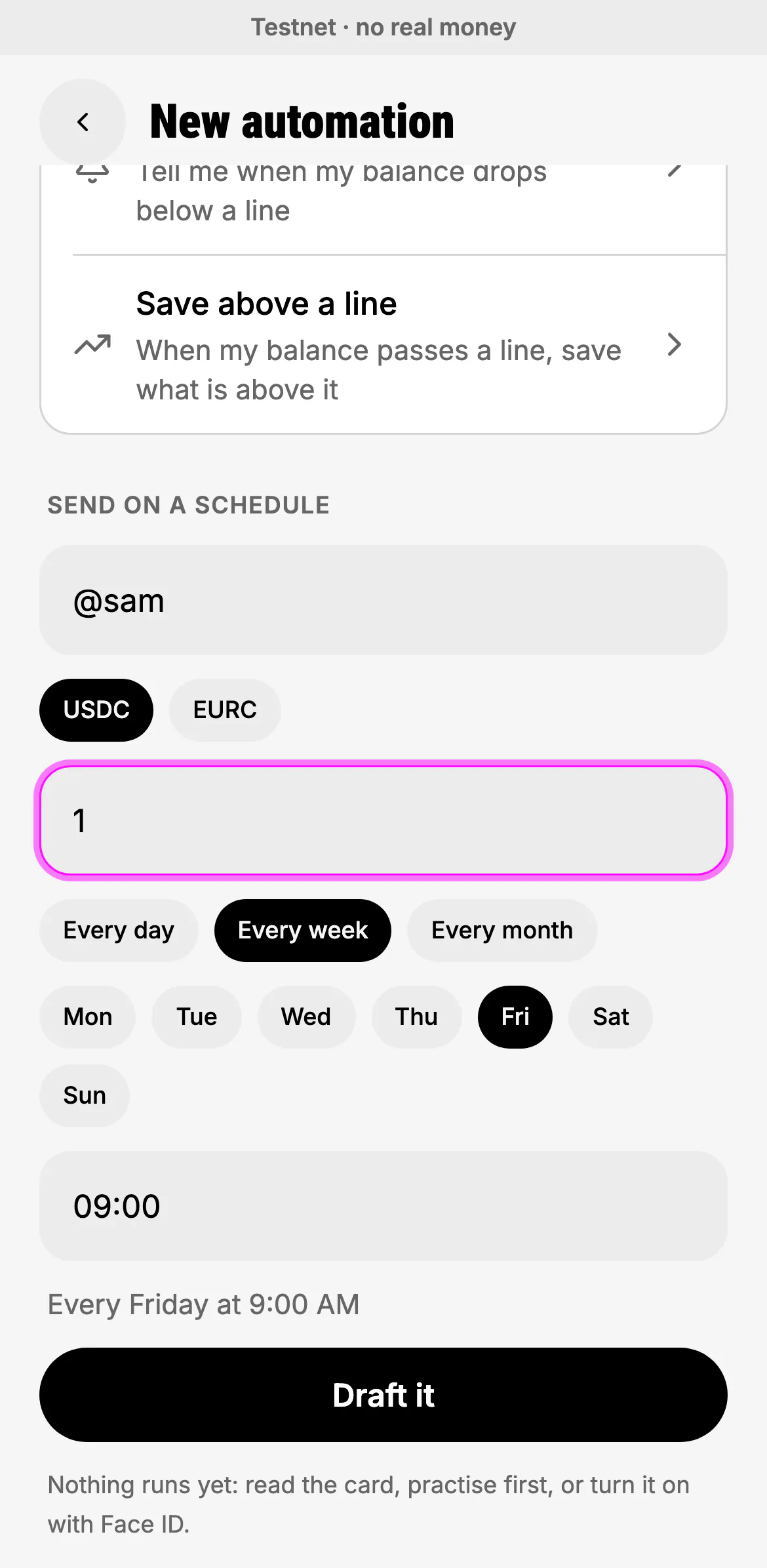
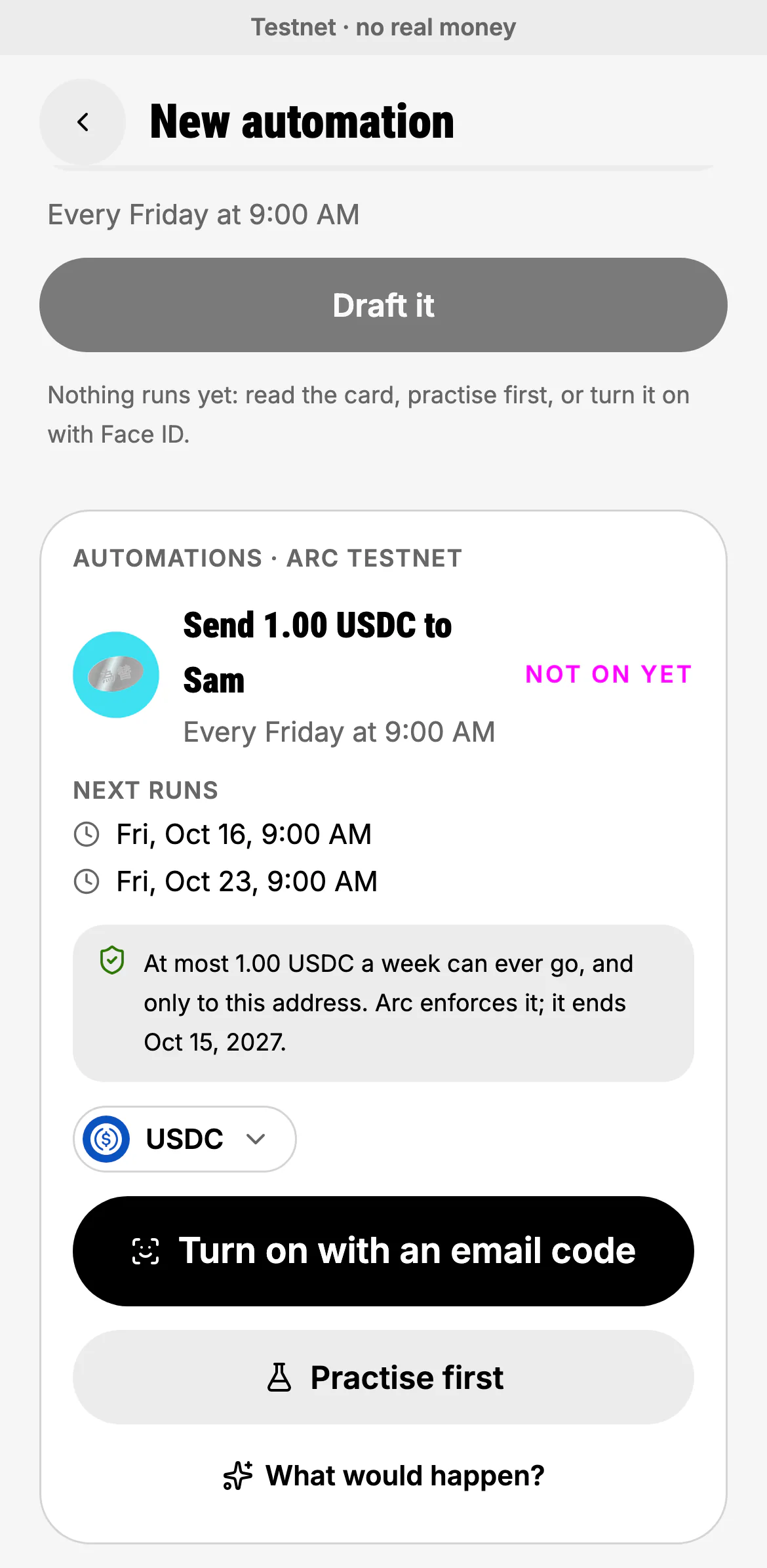
"Every Friday at 9 send 1 dollar to Sam", or Settings → Automations → New.
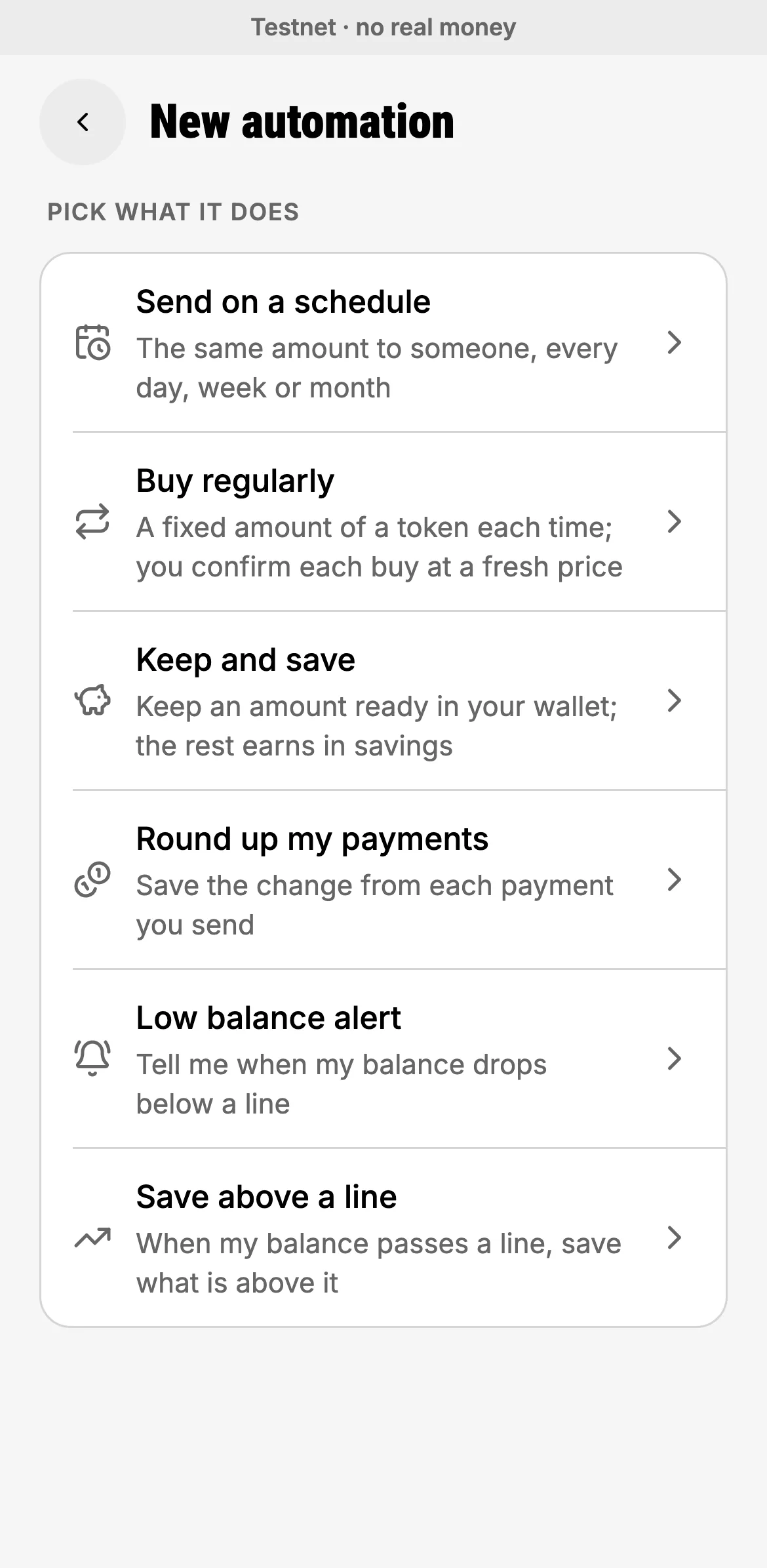
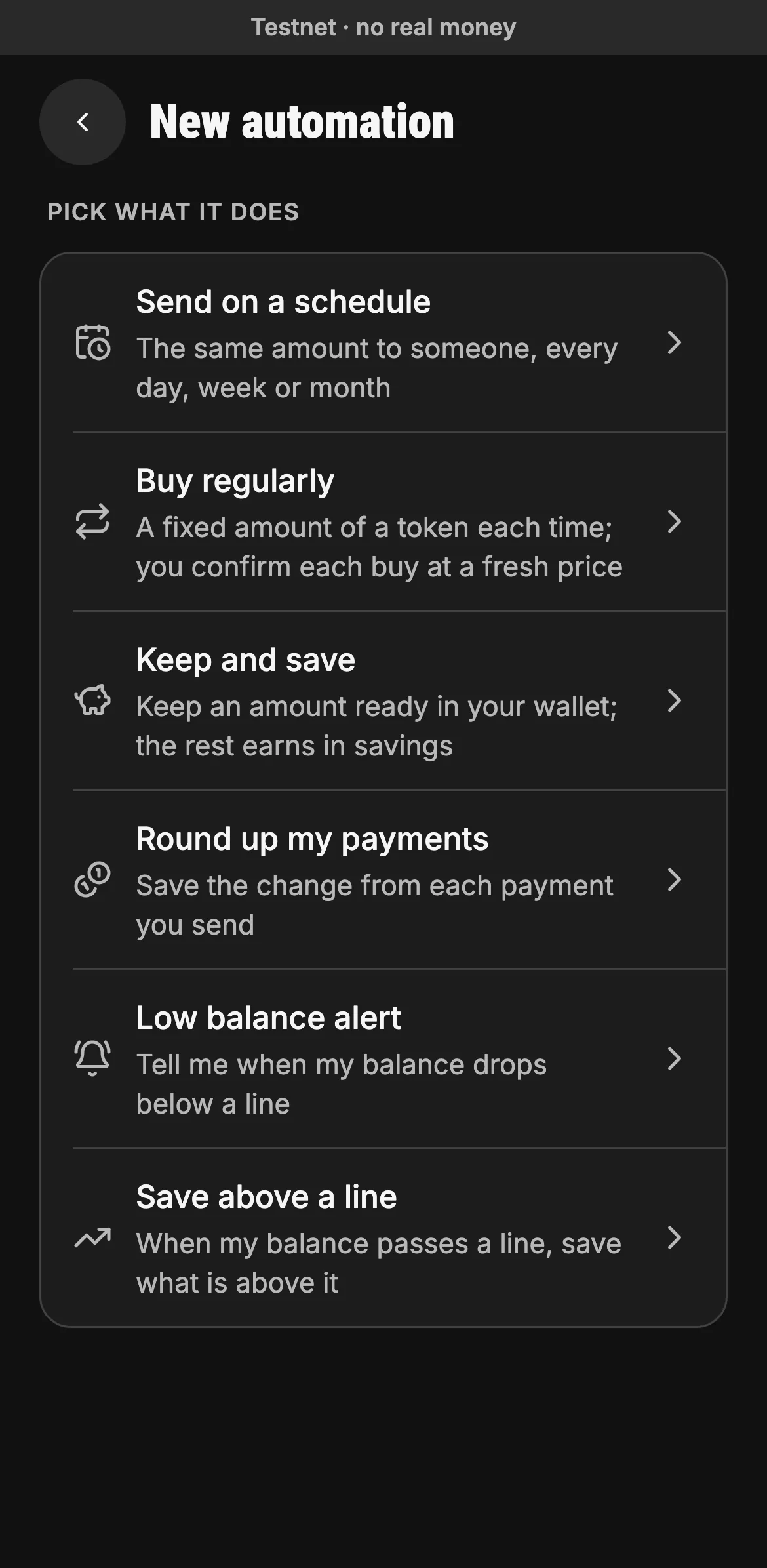
Send on a schedule, Buy regularly (you confirm each buy at a fresh price), Keep and save, Round up my payments, a Low balance alert, or Save above a line.
- Six kinds of automation
A contact,
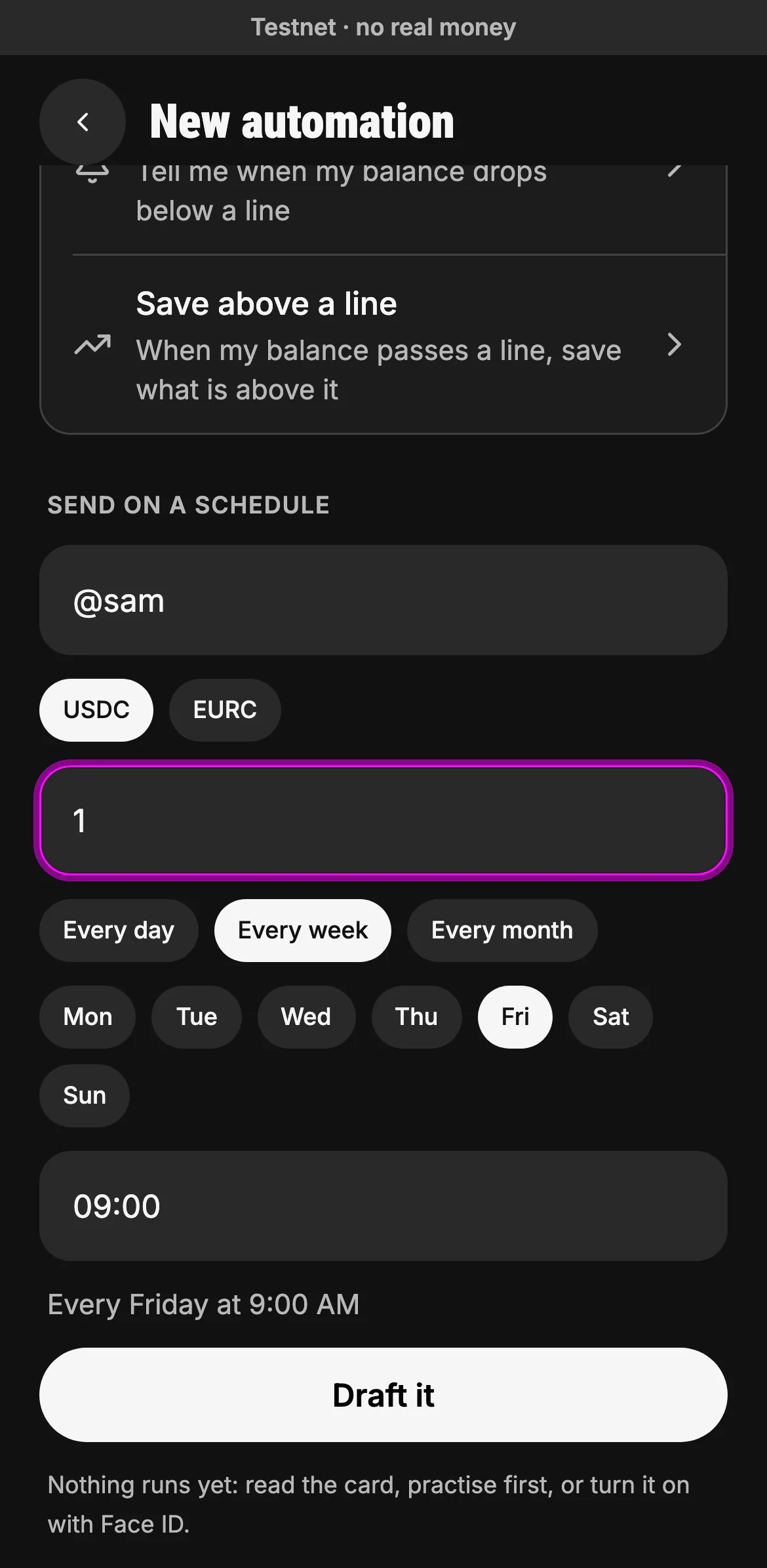
@handleor address; USDC or EURC; every day, every week on a weekday, or every month on a day; the time, in your own time zone. The line under it reads the schedule back.- To: a contact, an @handle or an address
- The amount each time
- The day, then the time
- The schedule, read back
- Draft it: nothing runs yet
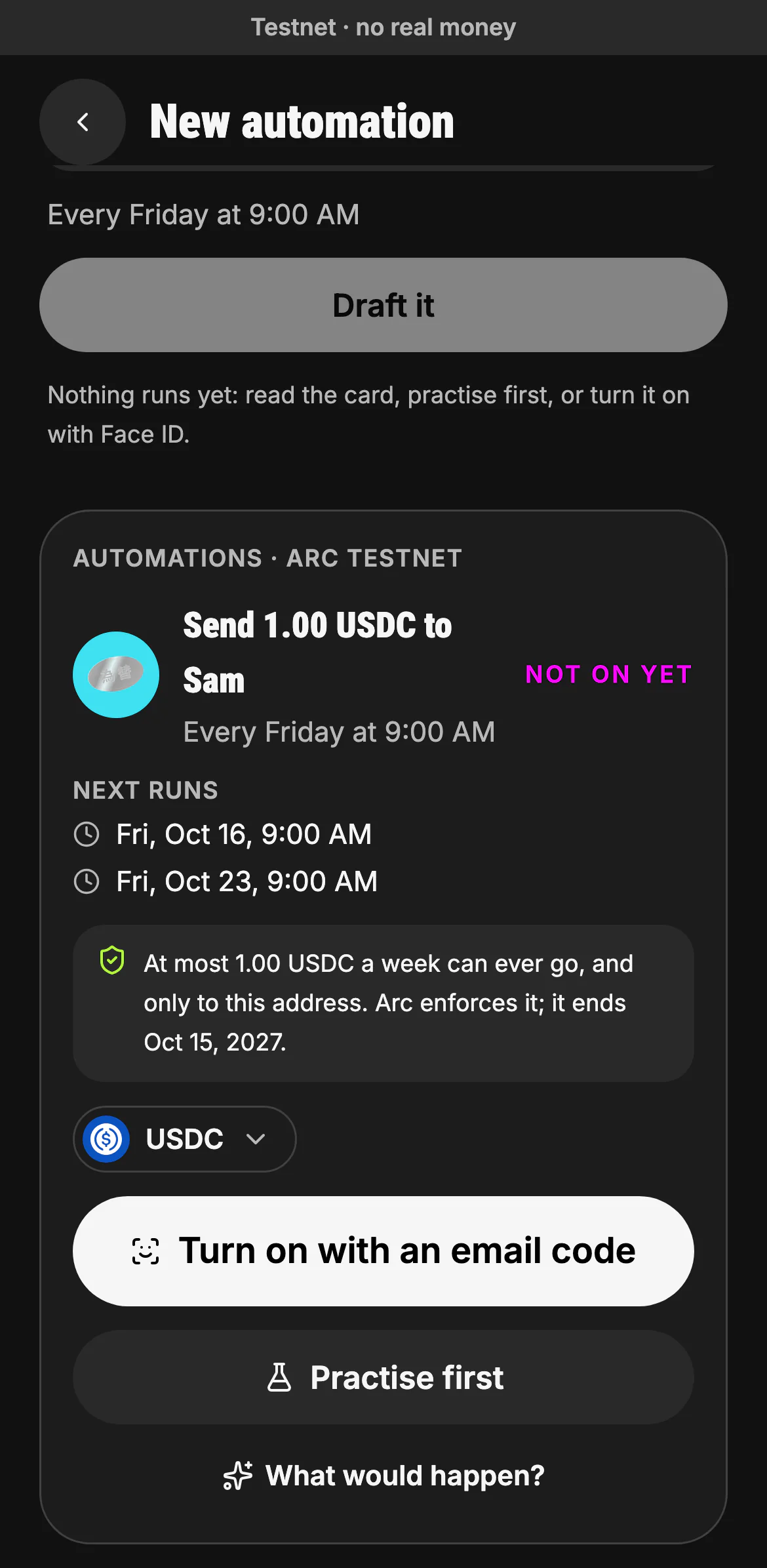
The card shows the next runs and the most it could ever move: "At most 1.00 USDC a week can ever go, and only to this address. Arc enforces it." Turn it on, practise first, or ask what would happen if it ran now.
- The next runs
- The most it could ever move, enforced on Arc
- Turn it on (Face ID, or an email code on the web)
- Or practise first
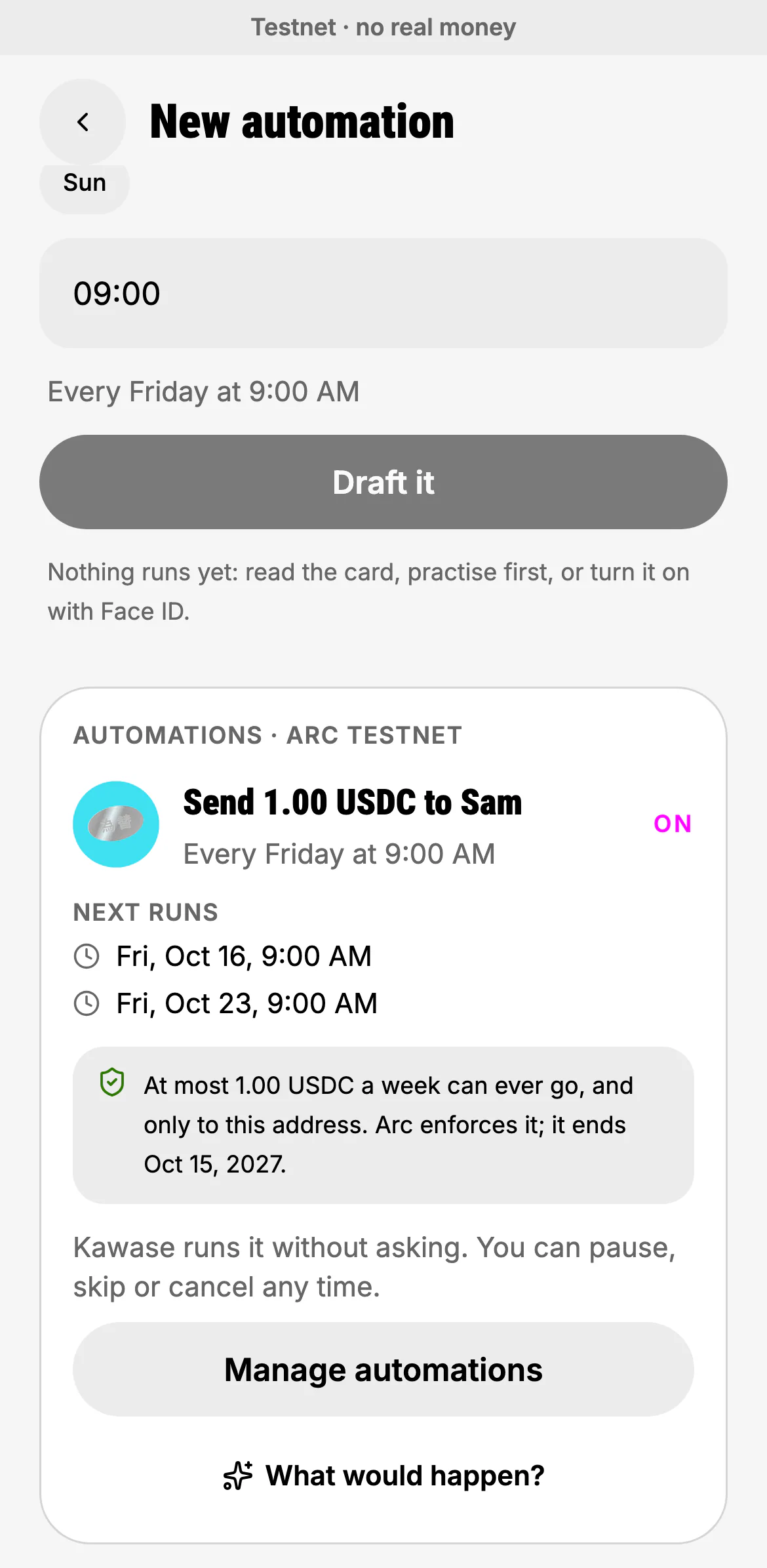
Turning it on signs the automation's own grant: it may only transfer that token, only to that address (pinned on chain), and only up to the amount per period. From then on Kawase runs it without asking; you can pause, skip or cancel any time.
- Manage automations
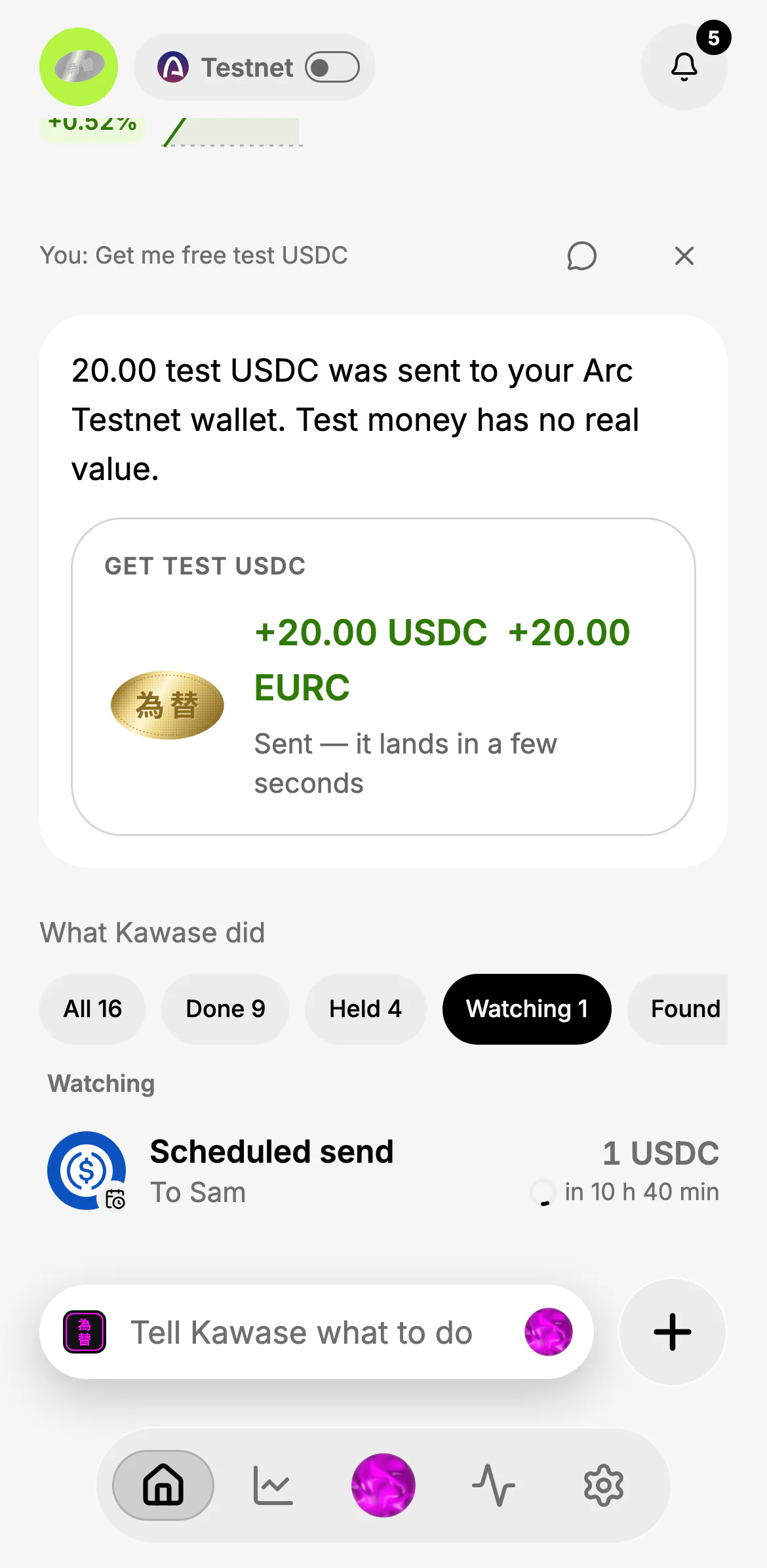
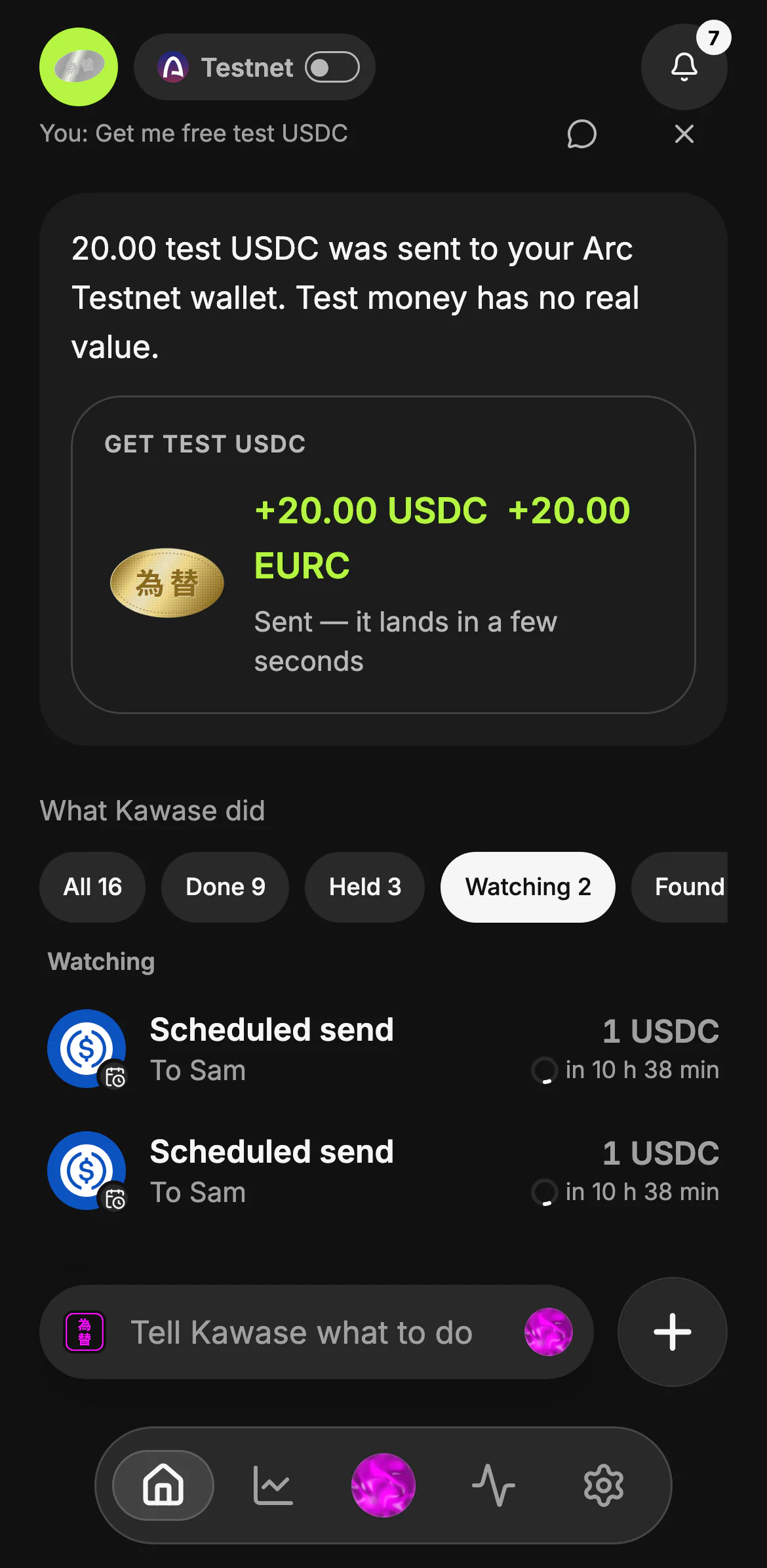
Home's What Kawase did has a Watching filter: what runs next, with a ring counting down to it.
- Watching
- The next run and its countdown
How runs behave
- Exactly once. If Kawase's server restarts mid-run, the run is recovered under the same id and never paid twice.
- Reminders. Weekly and monthly runs get a reminder a day before, with a heads-up when your wallet is short.
- Skipped with a reason. A run that can't go ahead is skipped and says why in your inbox; one skipped for lack of money is retried once when money arrives.
Rules and saving
- Keep and save (Auto-save): keep an amount ready in your wallet; the rest earns in your own vault savings and comes back when you run low.
- Round up my payments: save the change from each payment you send.
- Save above a line and Low balance alert: act or tell you when your balance crosses a line, once per crossing.
- In chat you can go further: "when my balance goes above 500, bridge what's above 400 to my Base address", or act when money arrives or a token's price crosses a level.
Practice first
A new automation can start in practice: each run is the exact transfer as a dry run on Arc, recorded as "would have". Nothing moves. When you're happy, turn it on. Ask "what would happen if this ran now?" any time.
Needs you
An automation never swaps on its own, and never pays above its grant or past your rules. When a run reaches such a step it waits in Needs you (inbox and Automations, with a push where notifications are on). Approving opens the very send or swap you'd make by hand, re-checked. Unanswered items are reminded after 12 hours and expire after 24.
Managing them
From Automations or in chat: list, pause, resume, skip the next run, edit and cancel. Asking for less applies at once; asking for more signs a new grant together with the old one's revoke. Cancelling also revokes the grant on chain, so the permission is gone, not just hidden.
Automations
What runs today
- scheduled sends of a fixed amount to one saved recipient, every day, week (on a weekday) or month (on day 1–28), bounded on chain to that recipient and amount per period
- Auto-save and round-ups into the person's own vault savings, bounded on chain to the wallet and its own savings
- rules: when the balance crosses a line, when money arrives, or when a price crosses a level — bridge USDC to the person's own address on another chain (fee bounded on chain), save, alert, or send to someone; DCA buys on a schedule
- a step an automation may not take alone (every swap or DCA buy, anything above its grant, a payment held by the allowlist or cooldown) waits in Needs you: inbox, push and Activity; answered once from any device, reminded at 12 hours, expired at 24
- practice runs before going live, editing in place (lowering applies at once; raising signs a new grant), a reminder 24 hours before weekly and monthly runs, skipping and retrying once when underfunded
- listing, pausing, resuming, skipping the next run and cancelling (with a revoke on chain)
Not yet
- swaps that run unattended (every swap waits for the person)
- multi-step rules